1
Accessories
USB Cable AC/DC Adaptor
Features & Functionality
Connect a headset, headphones, microphones, or other
audio equipment to listen to stereo sound, record audio,
or make web phone calls.
2. Micro-USB port
Connect the supplied power adapter to provide power to
the tablet and charge the battery.
Connect USB devices, via an optional USB conversion
, for transferring data, music, photos, videos, and
Connect HD television via optional HDMI cable, for
switching the display to wider screen.
Reads and writes files stored on a microSD card.
Provides sound input while making calls using
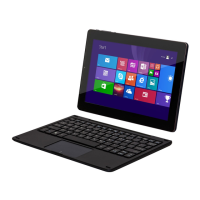
Tablet PC with
Windows 8.1 System

 Need help?
 General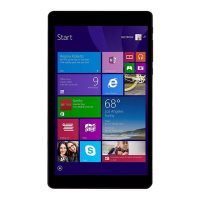






 To Next Page