EasyManua.ls Logo

Nextech DC1105 - User Manual

Default Icon
16 pages
Print Icon
To Next Page IconTo Next Page
Loading...
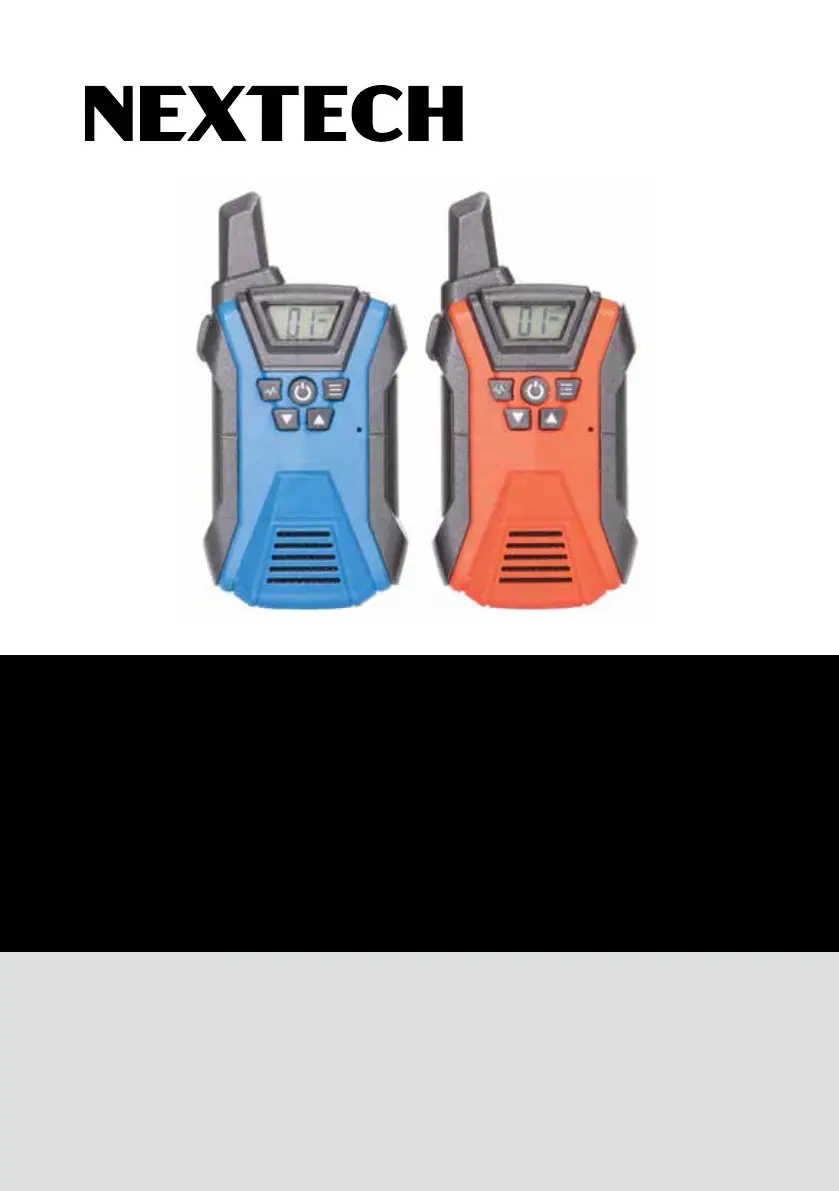
Instruction Manual
DC1105
Walkie Talkie
Twin Pack

Questions and Answers

  • M
    Mr. Thomas HicksAug 12, 2025
    What to do if Nextech DC1105 unit not turning on?
    • S
      stephanievincentAug 12, 2025
      If your Nextech Two-Way Radio unit isn't turning on, the issue is likely due to flat batteries or incorrect battery installation. Try replacing the batteries first. If that doesn't work, ensure the batteries are installed with the correct polarity.
  • H
    Harold HoAug 22, 2025
    Why is my Nextech DC1105 not connecting to other unit?
    • A
      Annette ReyesAug 22, 2025
      Your Nextech Two-Way Radio might not be connecting to the other unit because of incorrect channel settings or range limitations. Make sure that the channel numbers match on both units. If they match, try moving the units closer together.
  • T
    Tiffany HansenAug 31, 2025
    How to fix distorted voices on Nextech DC1105 Two-Way Radio?
    • M
      michaelfloresAug 31, 2025
      Distorted voices on your Nextech Two-Way Radio can be caused by interference, being at the range limit, or debris in the speaker. Try moving to a different location to avoid interference. If that doesn't help, move closer to the other unit. Also, gently clean the units to remove any debris.

Nextech DC1105 Specifications

General IconGeneral
Frequency Range400-470MHz
Channels16
Output Power5W
IP RatingIP54
Weight220g