7
OPERATING INSTRUCTIONS
NOTE: If no button is pressed, the device will return to Standby
Mode after 6 seconds.
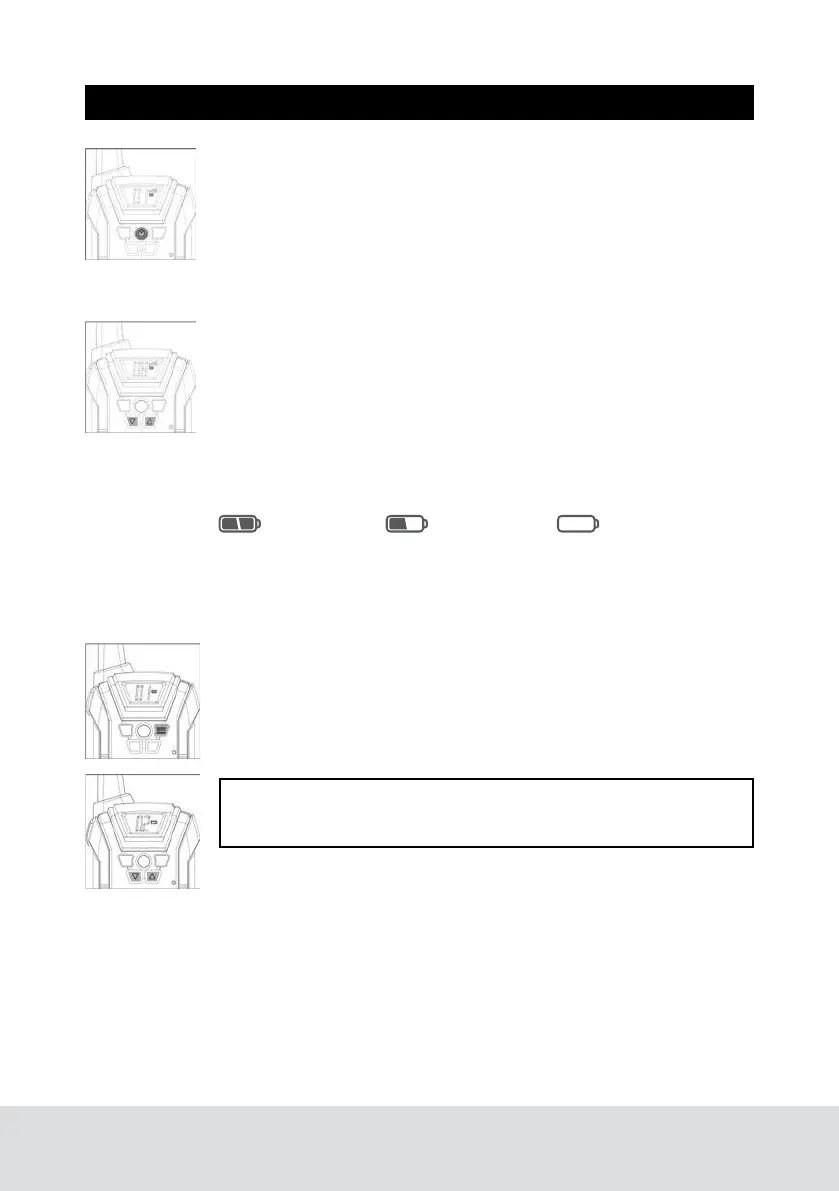
POWER (ON/OFF) BUTTON
Turn on the device: press the power button once,LCD screen will
light.
Turn off the device: press and hold the power button (below the
LCD screen)
for 3 seconds. LCD will show channel, volume and and battery
level.
VOLUME ADJUSTMENT
Press the up and down arrows (below LCD screen) to adjust vol-
ume up or down. Volume level is displayed on the screen.
There are 1 - 8 volume levels.
BATTERY LEVEL
Look for the battery icon on the LCD screen to check your battery
level.
HOW TO CHANGE CHANNELS
Press the MENU button once, the current channel number will
flash on the LCD screen. There are 22 channels in total.
Press the up and down buttons to change the channel.
Press the talk button to device will return to Standby Mode.
Battery Full
Battery Half
Battery Empty
The icon will flash and the device will beep when the batteries
need to be replaced or recharged.



 To Next Page