IV. Connect camera to WiFi router
Method 1: Add a new device to connect the camera online point-
to-point, click into the camera system will prompt whether to
connect WIFI, rapid network configuration method as shown in
the following figure
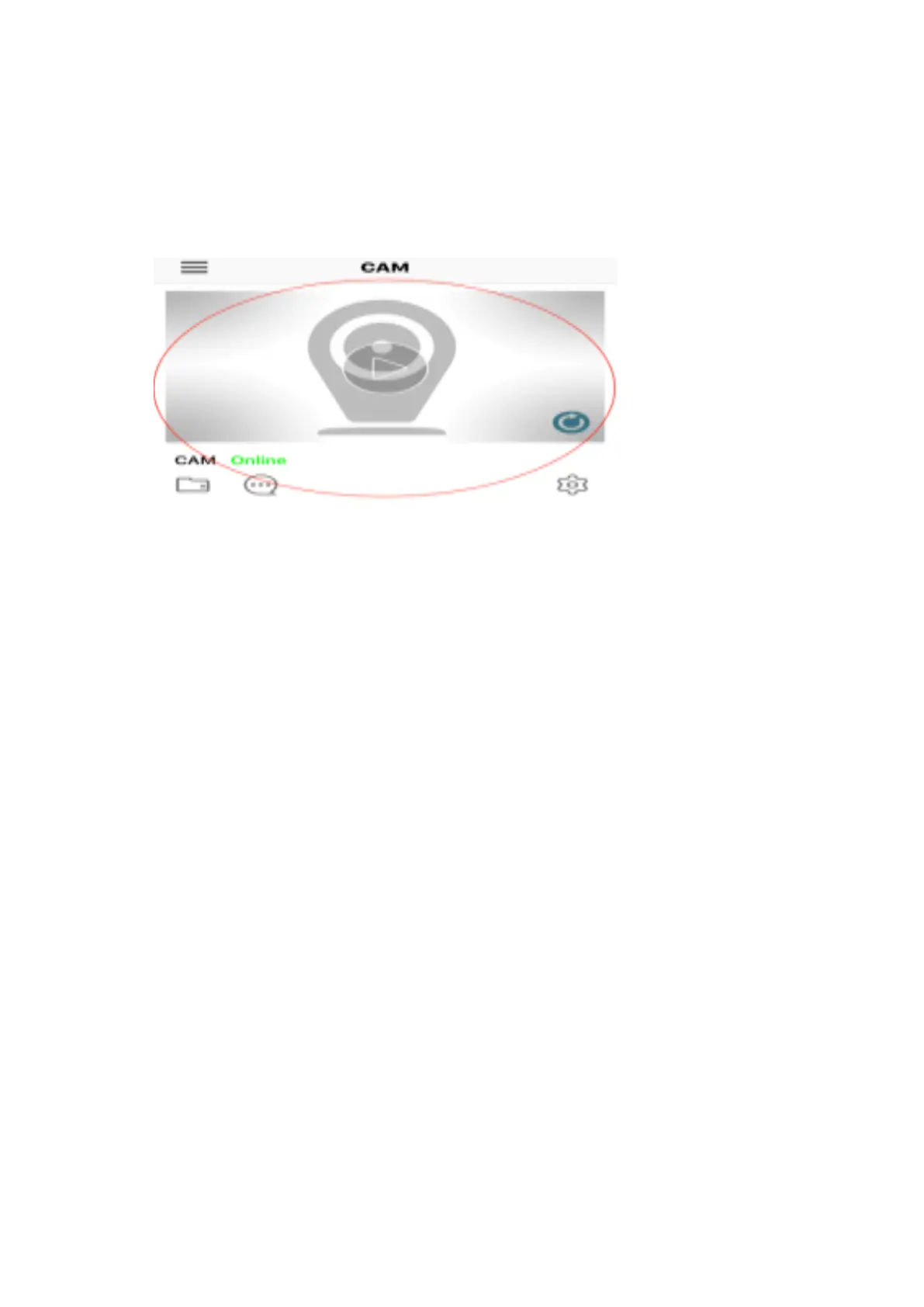
Then turn on the phone APP (minicam) and the new device will pop up
automatically as shown in Figure 2 above. After clicking "OK", the following
picture is shown.
Click into the online camera to see the video as shown above.


 To Next Page