5
SETUP:
Setup WiFi
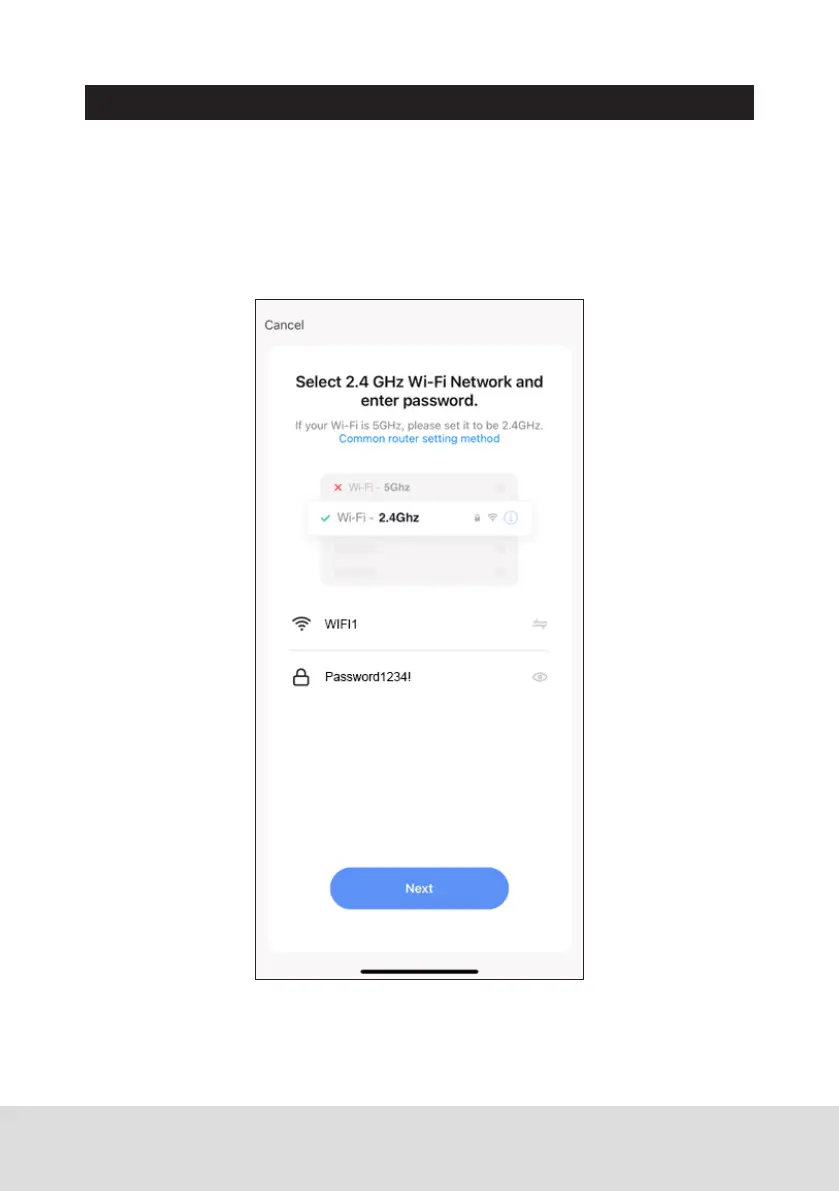
If your mobile phone is not connected, the App will ask you to connect. Press
the “Connect to WiFi” button & connect to the network your wireless door
phone will be connected to.
Once connected, enter the WiFi password into the app & press the “Next”
button to begin the pairing process.


 To Next Page