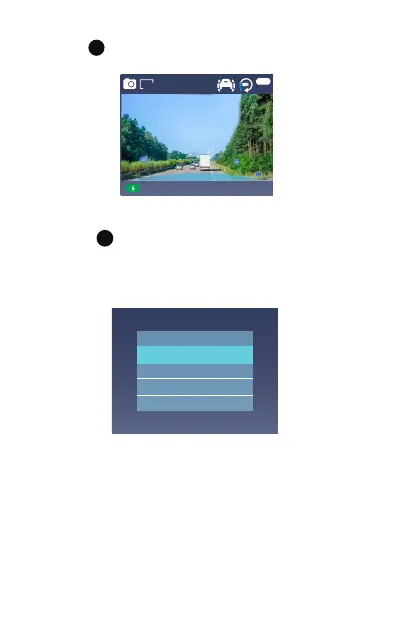
4.3. Photograph Mode
4.4. Viewing Video/Picture on the Camera
Press button twice and go to "File Type", press
OK and UP/DOWN button to navigate to - "Event"
or - "Video" or - "Picture" file folders to view and
playback videos or photos on the camera display.
M
File Type
Event
Video
Picture
Press button to enter photography mode, and then
press OK to take photos.
M
Use the UP/DOWN buttons to select the file and press
OK button to playback/pause. During playback, press
UP to rewind, and DOWN to fast forward.
20 19-0 2-1 3 05:34:0 3
EV
0. 0
Num:0
6M



 To Next Page