Detailed Instruction:
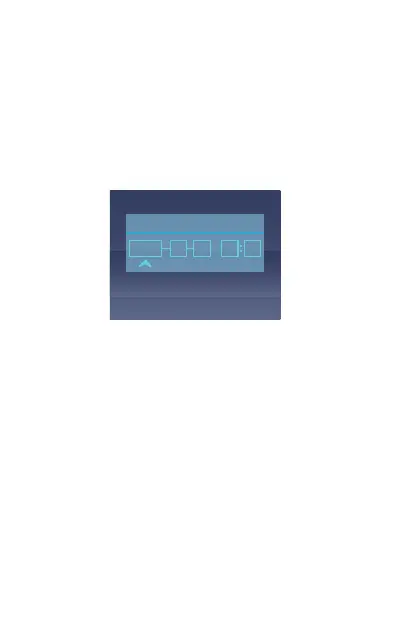
1.Set Date&Time:
Press the MENU button, navigate to ”Date&Time”, and
press the OK button to set the date/time. Navigate UP
or DOWN to select date and time values. Press M button
to confirmand proceed. To finish setup, just press the OK
button to exit.
Note: Date format is DD/MM/YY with the time in 24
hour format.
- Dual or Single Recording Modes:
G1 dash camera is defaulted to DUAL CAM RECORDING
mode ,both cameras will capture road front and inside
cabin at dual 1920x1080P (30fps) with a camera lens angle
of 190 degree x 2 and cover a 360 degree horizontally
around your car without gap.
It can be switched to SINGLE FRONT CAM RECORDING
mode with following steps:
Press Menu and navigate to “Single recording” ,default is
60fps,it can be switched from 60fps to 30fps
Date&Time
2019
04 12 23 57



 To Next Page