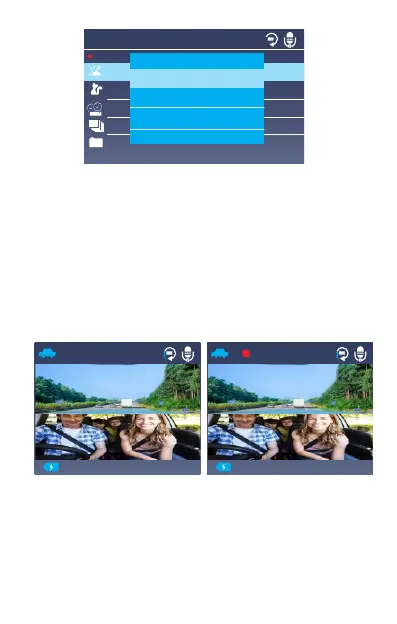
-Loop recording:
After inserting a memory card, the camera will (by default)
immediately start loop recording video when connected
to a power source and powered ON. You can choose to
disable it or switch it to 1,3,5 mins.
While recording, the red LED indicator will blink and a
red dot will flash on the top left of the screen. You can
stop/start the recording at any time by pressing the
OK button.
By default, the Loop Recording Time is 3 minutes. Please
press Menu button and navigate to ”Loop Recording” to
change it to 1 minute or 5 minutes. When the microSD
card is full, the camera will write over older files with the
newest.
201 9-02 -13 05 :34: 03 201 9-02 -13 05 :34: 03
00: 00:14
RE C
Settings
Auto
Single
Loop
Time
G-Sensor set
Parking Monitor
H
P
3
Single recording
30FPS
60FPS



 To Next Page