4
PRODUCT OPERATION:
5. Playback
Press the [playback] icon to enter into photo album, then select the video
or photo you need to play back or view.
6. Setting
Press [setting] icon to enter into system setting interface. Slide up/down
the screen to select the options you want to set. Details as below.
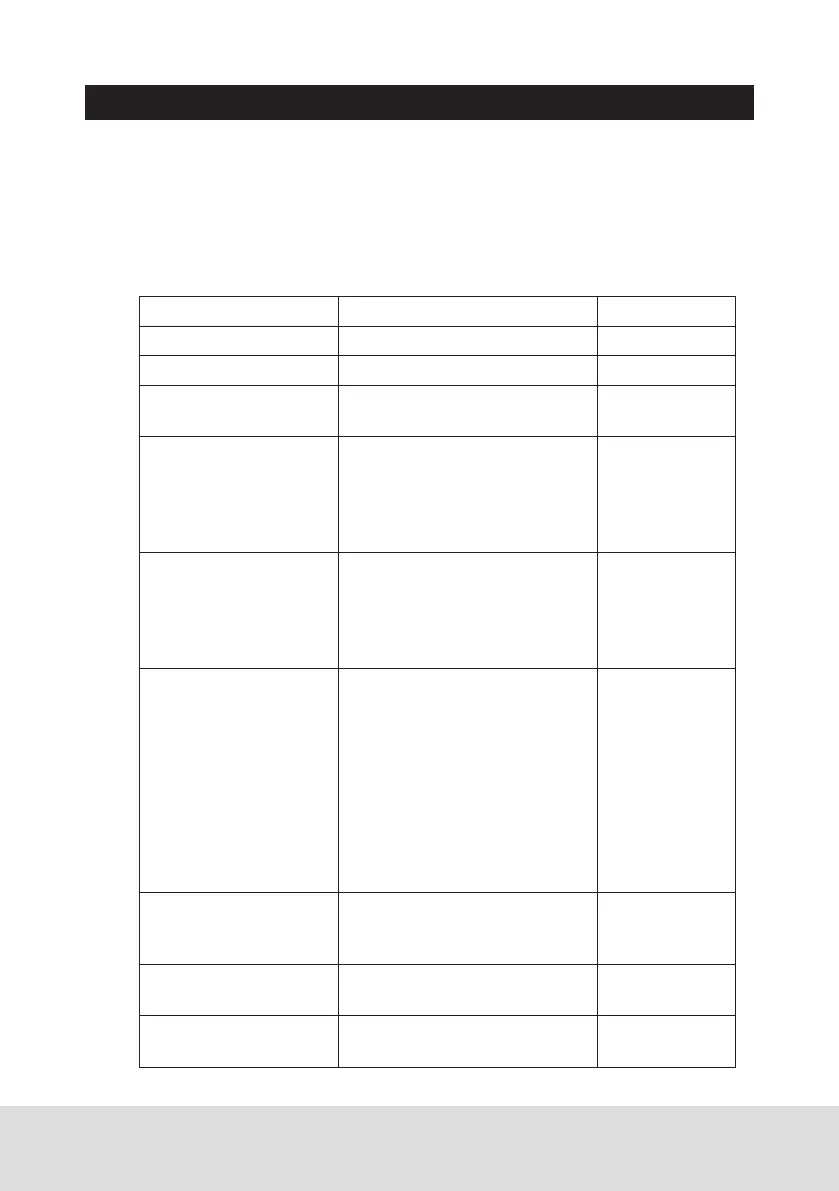
Setting Description Option
Video resolution Set the video sharpness 4K/1080P
Photo resolution Set the photo sharpness 8M/4M
Screen saver Set automatic LCD screen
power off time
Off/1min/3min
Anti flicker mode Change depending on the
electrical power frequency in
your area (Default setting is
50Hz and you may not have
to change this setting).
50Hz/60Hz
Impact sensitivity
(G-sensor)
This functions helps protect/
lock video files in case of a
sudden movement/collision.
You can change the sensitivity
level of the G-sensor.
Off/low/
middle/high
Parking mode When the car engine and the
unit is turned off, this mode
enables the unit to turn back
ON automatically and create
a locked recording when
G-Sensor picks up vibration.
Unit must have sufficient
battery power remaining in
order to record. The G-Sensor
must also be turned on.
Off/low/
middle/high
Date format Change the date format. YY-MM-DD/
DD-MM-YY/
MM-DD-YY
Audio Use this setting to enable or
disable audio recording
On/off
Volume Set the sound level Mute/low/
middle/high



 To Next Page