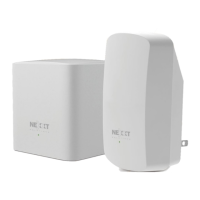
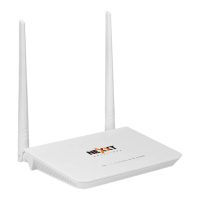
Nexxt Solutions – Wireless-N 3G router
4
Package Contents
Chapter 1 Introduction
1.1 Overview of the router
1.2 Main features
1.3 Panel layout
1.3.1 Polaris 150
1.3.2 Viking 150
1.4 LED indicator description
1.4.1 Polaris 150
1.4.2 Viking 150
1.5 System requirements
1.6 Installation environment requirements
Chapter 2 Quick Installation Guide
2.1 Preliminary steps
2.1.1 Polaris 150 hardware connection
2.1.2 Viking 150 hardware connection
2.2 Quick setup
2.2.1 Network configuration
2.2.2 Router configuration using 3G router mode
Chapter 3 Router configuration
3.1 Login
3.2 Status
3.3 Operation modes
3.3.1 3G router mode
3.3.2 Wireless router mode
3.3.3 Standard AP mode
3.4 PC configuration
3.5 WPS
3.6 Network
3.6.1 Internet access
3.6.2 3G Preferred
3.6.3 3G only
3.6.4 WAN Preferred
3.6.5 WAN only
4 MAC clone
5. LAN
6. Wireless
6.1 Wireless settings
6.2 Wireless security
6.3 Wireless MAC filtering
6.4 Wireless advanced settings
6.5 Wireless statistics
7. DHCP
7.1 DHCP settings
7.2 DHCP Clients list
7.3 Address reservation
8. Forwarding
8.1 Virtual servers
8.2 Port triggering
8.3 DMZ
8.4 UPnP
CONTENTS


 To Next Page