COMPUTER-SIDE CAMERA CHECK
12
Before you call our calibration team, you will need to check the camera’s
cable connections and its field of view, as well as the OCR angle (for indoor
installs). The software setup guide, found here, will walk you through the
necessary steps.
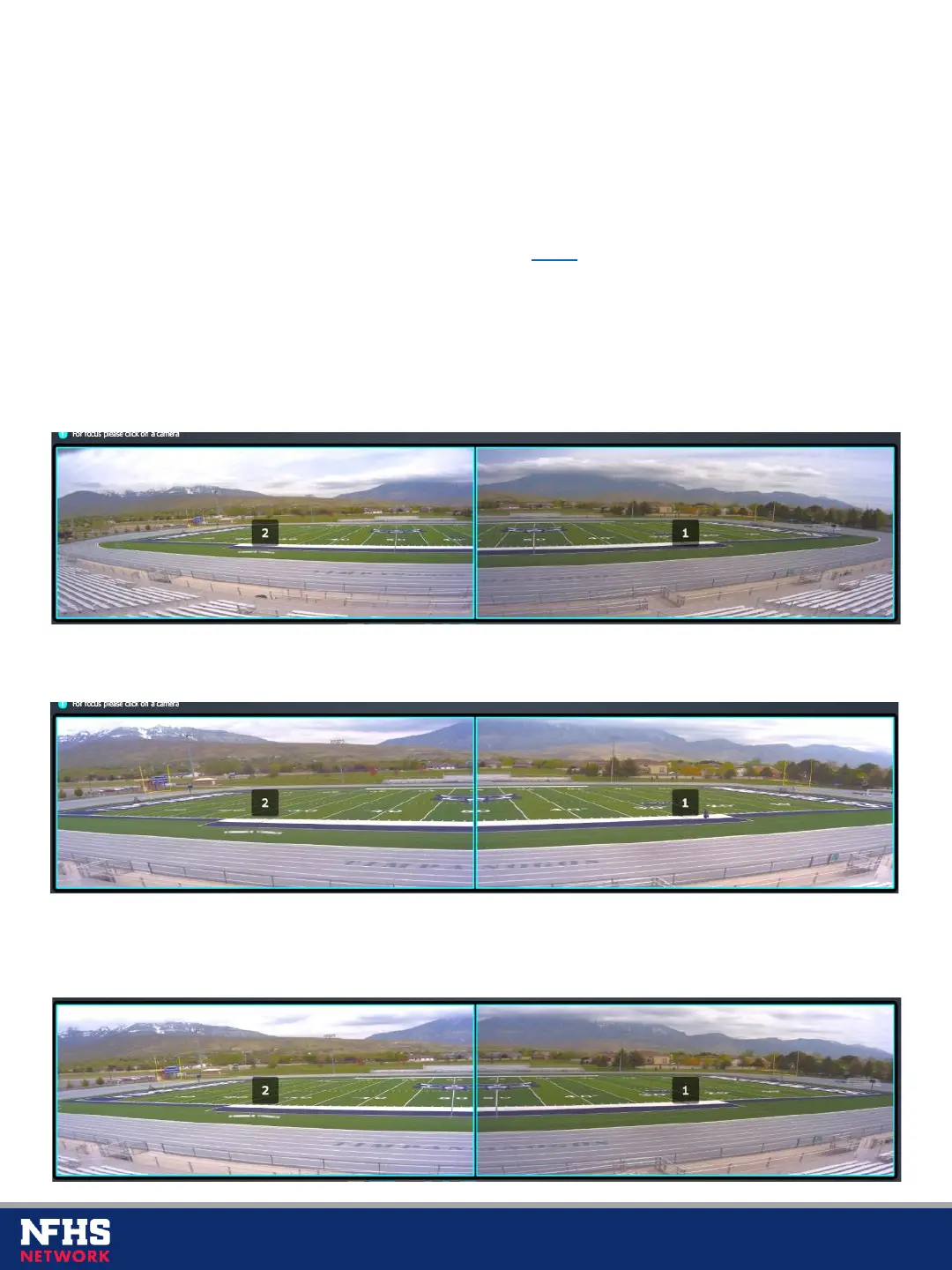
Please use the following examples for incorrect vs. correct mode settings:
Mode setting is too wide (notice the extra space on the sides)
Mode setting is too narrow (notice the field corners cut off)
Mode setting and angle are correct (the whole field is clearly visible and
positioned in the center of the frame)



 To Next Page