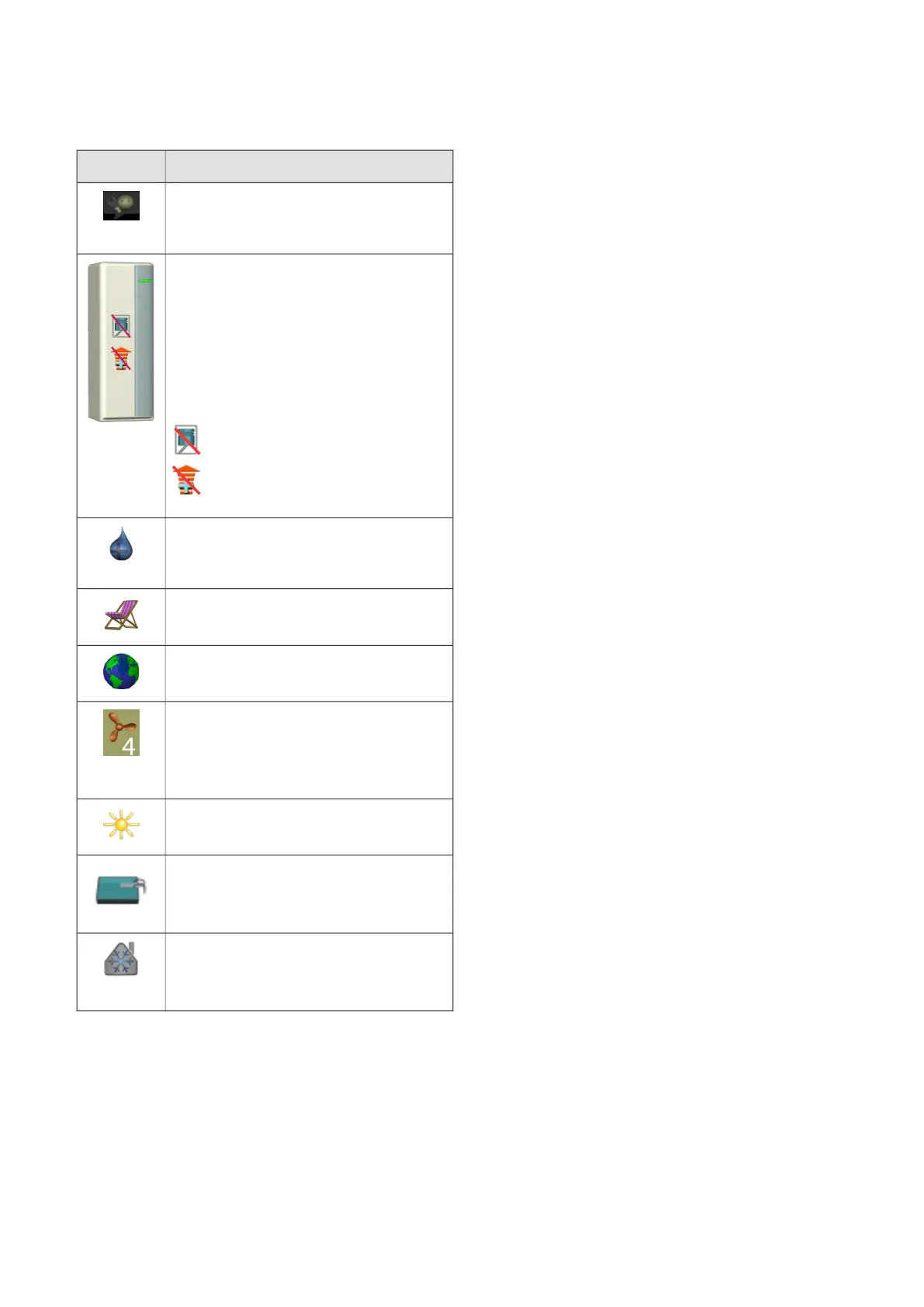
SYMBOLS IN THE DISPLAY
The following symbols can appear in the display during
operation.
DescriptionSymbol
This symbol appears by the information
sign if there is information in menu 3.1
that you should note.
These two symbols indicate whether the
compressor or addition is blocked in
F1355.
These can, for example, be blocked de-
pending on which operating mode is se-
lected in menu 4.2, if blocking is sched-
uled in menu 4.9.5 or if an alarm has oc-
curred that blocks one of them.
Blocking the compressor.
Blocking additional heat.
This symbol appears if periodic increase
or lux mode for the hot water is activ-
ated.
This symbol indicates whether "holiday
setting" is active in 4.7.
This symbol indicates whether F1355 has
contact with NIBE Uplink.
This symbol indicates the actual speed
of the fan if the speed has changed from
the normal setting.
Accessory needed.
This symbol is visible in installations with
active solar accessories.
This symbol indicates whether pool
heating is active.
Accessory needed.
This symbol indicates whether cooling is
active.
Accessory needed.
9Chapter 2 | Control - IntroductionNIBE F1355



 To Next Page