21
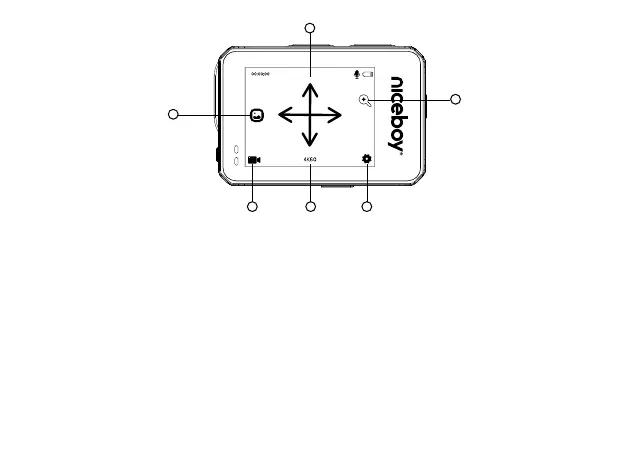
TOUCH CONTROLS
5
6
4
21 3
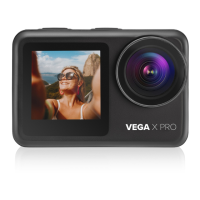
Thecamera’sreardisplaywillreacttotouchanywhereonitssurface.Swipefromtherighttotheleftedge
ofthescreentoenterthesettings.
1. Byclickingontheiconyouwillbeabletochangethemodesbetweenvideorecordingandshooting
andaccesstheoptiontochangevideomodes:Video,Timelapsevideo,Slowmotion,Shortvideo,
Watermode,Carmode,Video+photomodeandPhotomodes:Photography,TimeLapse,Timer,
Continuousshooting,Longexposure,RAW
2. Clickontheiconopensthesettingsfortheselectedmode(somesettingsareonlyavailablefora
certainmode):
Resolution-videoorphotoresolutionsettings
Loop-videoloopingsettings
Audio-turnsmicrophoneon/o
Codec-settingsforcodecH.264orH.265(H.265notavailablefor4K60fps,6K30fpsand8K15fpsvideo)
LDC-turnssheyecorrectionon/o


 To Next Page