Part # M017879450000 REV. July 1, 2011
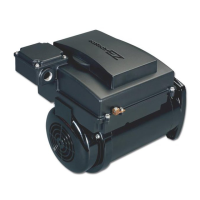
ECOTECH EZ
TM
Variable Speed Motor/Control
1. Use (up arrow) and (down arrow) to set the desired
% ow setting.
2. Press the (right arrow). Use the instructions for Setting
the Clock to set the Time On and Time Off on this screen.
3. Use the (left arrow) and (right arrow) to move through
the time and ow setting process. Use (up arrow) and
(down arrow) to increase or decrease Time and Flow.
4. Press Enter when you are nished setting the desired
Flow 1 Rate and Times of operation. If you would like
to set a 2nd ow rate and time for Mon-Fri operation,
press ENTER and refer to Section D. If not, proceed
to # 5 below.
5. Press exit to run stored program. Ensure the RUN/STOP
button is lit to run the program.
315612_MNJ26_VAR SPD_nonSRVS.indd 15 7/19/11 8:01 AM


 To Next Page