EasyManua.ls Logo

Nidec NE300-4T0300G/0370P - User Manual

Nidec NE300-4T0300G/0370P
244 pages
Print Icon
To Next Page IconTo Next Page
Loading...
Serial No -3101A003
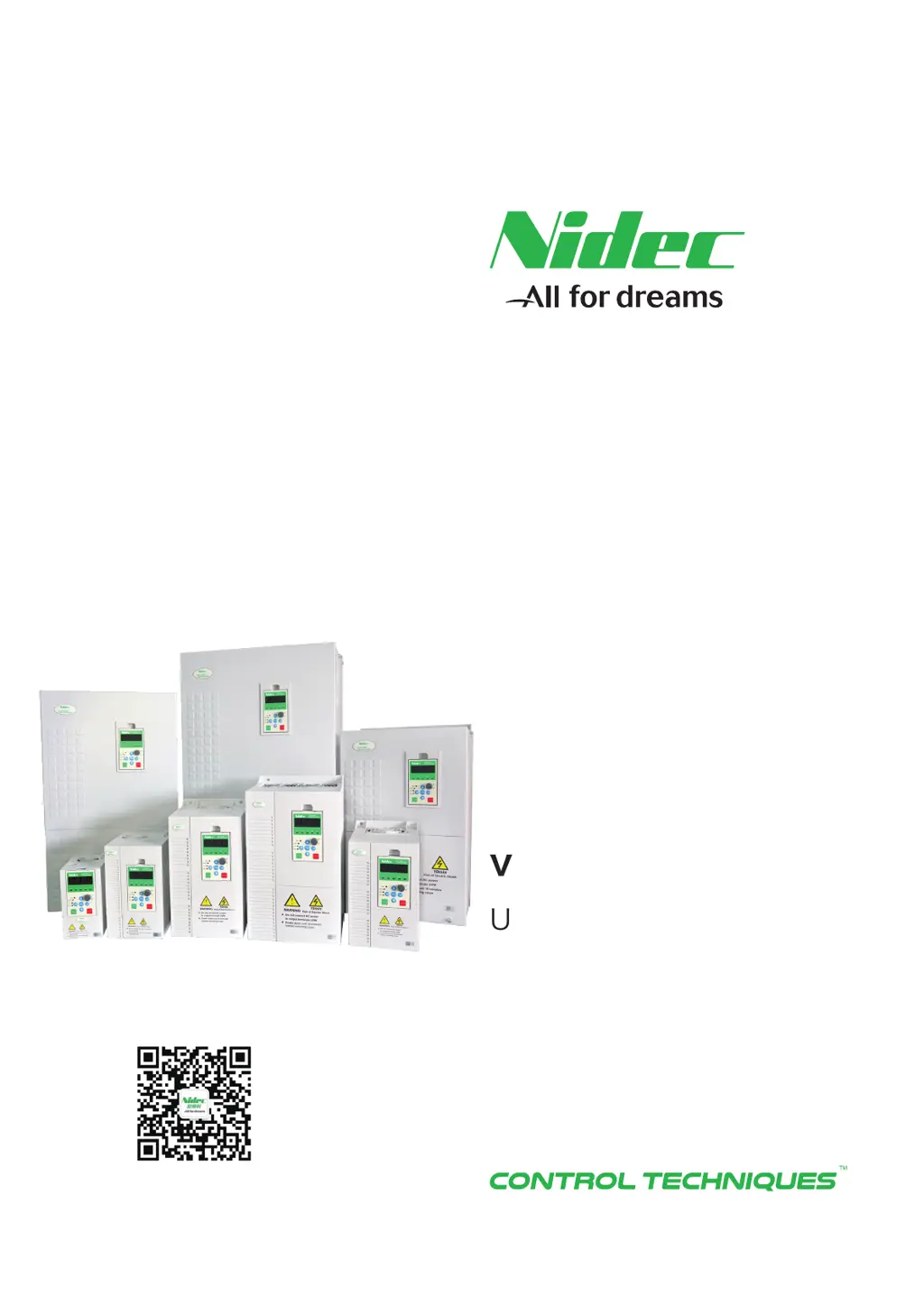
User Manual
NE200/NE300
High performance
vector control drive
Scan QR to follow us

Table of Contents

Other manuals for Nidec NE300-4T0300G/0370P

Questions and Answers

  • E
    Elizabeth AguilarSep 23, 2025
    What to do if Nidec NE300-4T0300G/0370P show EEPROM error?
    • D
      dylandanielSep 23, 2025
      If your Nidec DC Drives are showing an EEPROM error: 1. Recover factory defaults if function code parameter writing error. 2. Ask for service from supplier, if EEPROM damaged.
  • D
    Dwayne ReyesAug 23, 2025
    What causes over current in Nidec DC Drives during acceleration and how to fix it?
    • J
      Jeffrey ReedAug 25, 2025
      Overcurrent during acceleration in Nidec DC Drives can stem from a few reasons. If the acceleration time is too short, increase it. Also, check the input power source for low voltage. Finally, if the drive power rating is too small, choose a drive with higher capacity.
  • D
    Dominic CardenasAug 25, 2025
    What causes over current at constant-speed in Nidec NE300-4T0300G/0370P DC Drives?
    • W
      Wesley GomezAug 26, 2025
      If you're experiencing overcurrent at a constant speed with your Nidec DC Drives, several factors could be the cause. Check the load for any abnormal mutations. Also, verify the input power source isn't experiencing low voltage. Ensure your drive has sufficient power capacity. Finally, if you're using closed-loop vector control, inspect the encoder and its wiring for any sudden disconnections.
  • R
    Raymond WoodAug 27, 2025
    What to do if Nidec NE300-4T0300G/0370P DC Drives show drive overload?
    • J
      Jesus CervantesAug 27, 2025
      If your Nidec DC Drives are showing a drive overload, first check the input power source for low voltage. If the load is too heavy, select a drive with a bigger capacity. If the acceleration is too fast, increase the acceleration time. Also, avoid restarting the motor while it's still turning.
  • R
    Randy WilliamsAug 27, 2025
    What causes over current in Nidec NE300-4T0300G/0370P DC Drives during deceleration?
    • H
      Hannah SchultzAug 28, 2025
      Overcurrent during deceleration in Nidec DC Drives can occur due to several reasons. If the deceleration time is too short, increase it. If there is a large load inertia, add suitable brake devices. Finally, if the drive power rating is too small, choose a higher capacity drive.
  • M
    Michelle FordSep 16, 2025
    What to do if Nidec NE300-4T0300G/0370P DC Drives show keypad & control board communication interrupted?
    • M
      Michael GarciaSep 16, 2025
      If communication between the keypad and control board is interrupted on your Nidec DC Drives, check the connection cable between the keypad and control panel.
  • E
    Edward JohnsonSep 13, 2025
    What to do if Nidec NE300-4T0300G/0370P DC Drives show external terminal fault?
    • C
      Carrie GarciaSep 13, 2025
      If your Nidec DC Drives are showing an external terminal fault, check the external input, as the fault likely originates from the external control circuit.
  • J
    jessehinesSep 15, 2025
    What to do if Nidec NE300-4T0300G/0370P show Parameter copy Error?
    • C
      Christina HodgesSep 15, 2025
      If your Nidec DC Drives are showing a Parameter copy Error: 1. Shorten the cable between Keypad and control board to reduce interference if too long connection cable between keypad and control board leads to interference in parameters transmission. 2. Before downloading, make sure the parameters match the drive, if the downloading parameters do not match the existed parameters in the drive.
  • J
    Jesse FreemanSep 5, 2025
    What to do if Nidec NE300-4T0300G/0370P show ground fault?
    • F
      fkimSep 6, 2025
      If your Nidec DC Drives are indicating a ground fault, it could be due to a short circuit in one of the output phases. Check whether the electric motor insulation is weakening. Also, check whether the wiring between the frequency converter and the electric motor is damaged.
  • N
    Nicole GarciaSep 3, 2025
    What to do if Nidec NE300-4T0300G/0370P DC Drives show fast current limit fault?
    • C
      Cristina DoyleSep 3, 2025
      If your Nidec DC Drives are showing a fast current limit fault, it could be due to a load that is too large or a motor blocked to stall, so decrease the load and check the motor and mechanical part status. If the drive power rating is too small, choose a higher power drive. If the drive output circuit loop is grounded or short-circuited, remove the external fault.

Summary

Safety Information

Safe Usage Guidelines

Critical warnings and cautions for using the drive in various applications.

Safe Installation Practices

Cautions and warnings related to the physical installation of the drive.

Safe Wiring Procedures

Essential warnings and cautions for electrical wiring of the drive and peripherals.

Safe Operation Guidelines

Warnings and cautions to ensure safe operation of the drive.

Maintenance and Inspection Safety

Safety precautions for maintaining and inspecting the drive components.

Chapter 1: NE200;300 Series Drive Introduction

Drive Specifications Overview

Detailed technical specifications covering control features, communication, and protections.

Chapter 2: Drive Installation

Chapter 3: Drive Wiring

Main Circuit Wiring Precautions

Important notes and precautions for power supply and motor wiring.

Chapter 4: Operation and Display

Function Code Viewing and Modification

Procedure for navigating and modifying function codes in the drive menu structure.

Chapter 5: Parameters Brief

F1: Start and Stop Control

Parameters for configuring start/stop modes, DC braking, and acceleration/deceleration.

F6: Input Terminals Group

Configuration of digital and analog input terminals for control.

Chapter 6: Parameter Description

F1: Start and Stop Control Parameters

Detailed description of parameters for starting and stopping the drive.

F3: Vector Control Parameters

Detailed description of parameters for vector control operations.

F4: V;F Control Parameters

Detailed description of parameters for V/F control.

F5: Motor Parameters

Detailed description of parameters for motor configuration.

F6: Input Terminals Group Parameters

Detailed description of parameters for digital and analog input terminals.

F8: PID Parameters

Detailed description of parameters for PID control.

FC: Protection and Fault Parameters

Detailed description of protection and fault parameters.

FP: Protection Parameters

Detailed description of protection parameters.

Chapter 7: Fault Information and Troubleshooting

Fault Information and Solutions

Table of trip codes, types, possible causes, and solutions for drive faults.

General Fault Diagnosis and Solutions

Troubleshooting guide for common abnormal situations.

Chapter 8: Routine Repair and Maintenance

Routine Maintenance

Guidelines for regular inspection of operating environment and drive components.

Periodic Maintenance Schedule

Schedule for periodic inspection of drive and motor components.

Appendix B: Modbus Communication Protocol

Nidec NE300-4T0300G/0370P Specifications

General IconGeneral
BrandNidec
ModelNE300-4T0300G/0370P
CategoryDC Drives
LanguageEnglish

Related product manuals