Congratulations On Purchasing
Nightingale’s CXO™
Please read and understand this user guide with
instructions before operating this ofce chair.
H
I
(Found in the back)
C
B
(Found in the back)
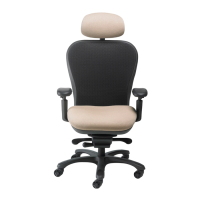
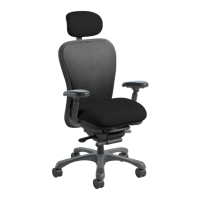
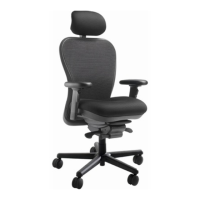
Headrest Available
Only On CXO 6200D
Model
[ MODEL CXO 6200D ]
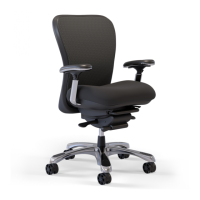
[ MODEL CXO 6200 ]
E
D
A
F
G1
G2
How To Use and Adjust My CXO
TM
PASS IT ON!
Our customers often tell us
their friends stop and ask about
their CXO™ If this happens to you,
please give your friend this card so
they can learn more about our chairs.
Nightingalechairs.com
1.800.363.8954
info@nightingalechairs.com
PASS IT ON!
Our customers often tell us
their friends stop and ask about
their CXO™ If this happens to you,
please give your friend this card so
they can learn more about our chairs.
Nightingalechairs.com
1.800.363.8954
info@nightingalechairs.com
PASS IT ON!
Our customers often tell us
their friends stop and ask about
their CXO™ If this happens to you,
please give your friend this card so
they can learn more about our chairs.
Nightingalechairs.com
1.800.363.8954
info@nightingalechairs.com
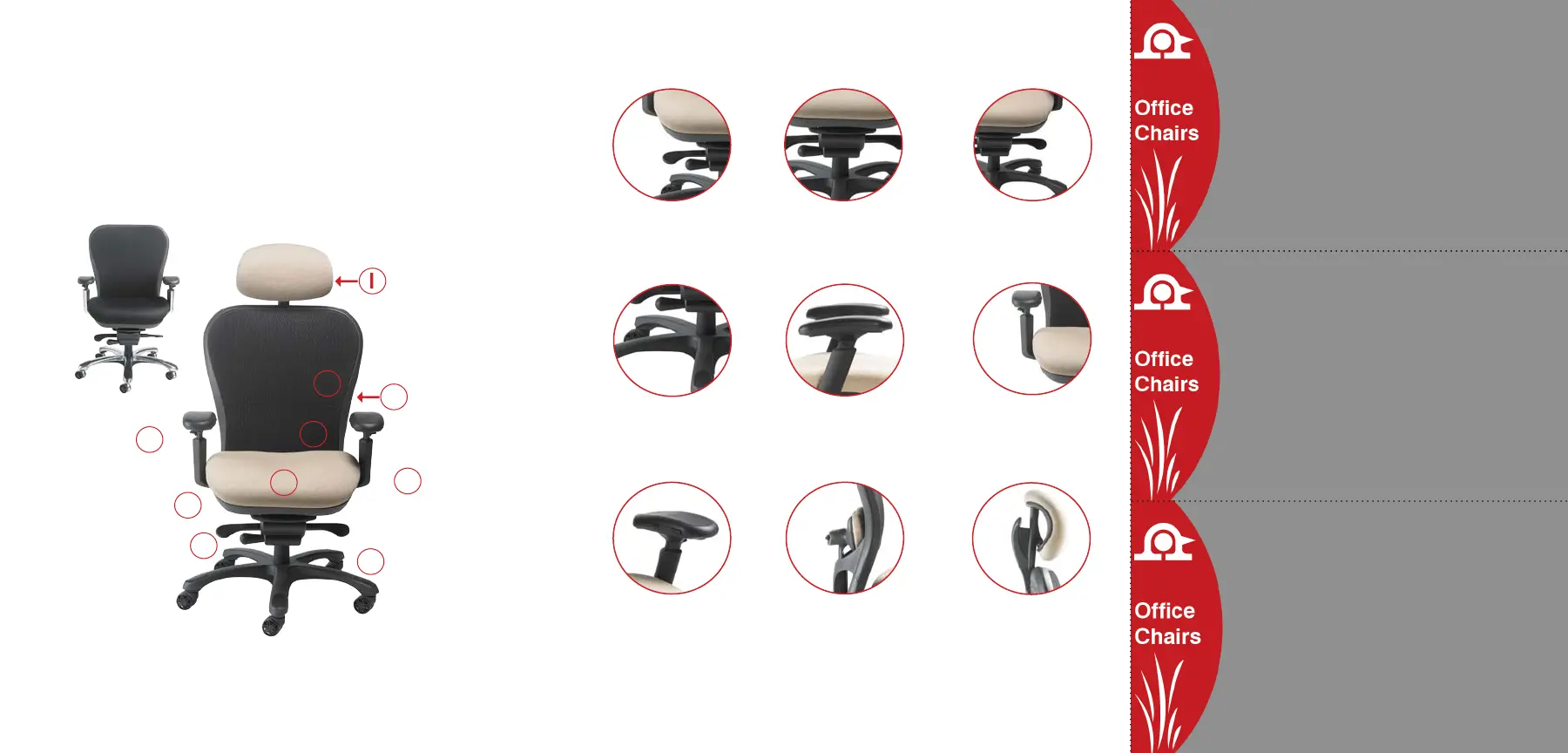
C. Infinite Position Tilt Lock
To lock chair in position,
turn paddle up, to allow
free movement, turn paddle
down.
A. Pneumatic Height Adjustment
To lower, turn the paddle up while
seated. To raise, turn paddle up
with your weight off seat.
H. Horizontal Lumbar Adjustment
Press button down and move
lumbar to desired depth, release
button to lock into position.
To raise, lift lumbar to desired
position. To lower lumbar, lift to
top position.
B. Seat Slider Pull lever bar up
to unlock, move seat to desired
position, release lever to lock
into position.
D. Tension Knob Turn clock-
wise to increase tension, turn
counter-clockwise to decrease
tension.
I. Ratchet Height Adjustable
Headrest Simply lift headrest to
desired position and headrest
locks auto-matically. To lower
headrest lift headrest to top
position. Headrest Feature
Available Only On The 6200D
CXO Version.
F. Horizontal Arm Adjustment
Pull arm out from seat to
desired position from bottom of
arm, for increased width. Push
arm in to decrease width.
E. Arm Height Adjustment
To raise or lower arm height,
pull trigger up and move to
desired position. Release
trigger to lock into position.
G1
G2
G1. Arm Pivot Adjustment
(Front button on side of pad)
Push button in to pivot, release
button to lock into position.
G2. Arm Pad Front To Back
Adjustment (Back button on side
of pad) Push button in to move
to desired position, release
button to lock into position.


 To Previous Page
 Loading...