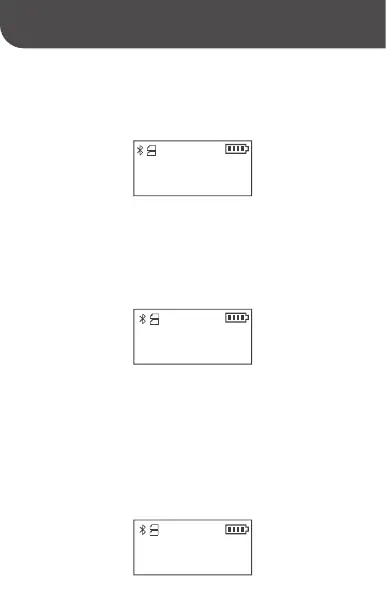
4)Language: Two options (Chinese and English)
5) Print Self-check Page: Press the "Paper Delivery/Select"
button to execute Print Self-check Page. Self-check Page
includes: Printer type, firmware version, hardware version,
machine serial number, etc.
9. Print
In the process of printing, the interface displays "Printing in
progress", and automatically exits to the main interface after
the printing operation has been completed. If you want to
stop the operation in the process of printing, you can stop
printing by using the mobile app or by pressing the "Paper
Delivery/Select" button for an emergency stop.
Language
< English >
Self-check Page?
Printing



 To Next Page