Basic Usage And Settings
1.Start-up
Long press the "Power/Menu" button for two seconds while the
machine is in the OFF state (the screen is not on). The printer will
then start up and the screen will display the main interface.
2. Paper skip
Press the "Paper Skip/Select" button on the main interface,
and the printer will deliver a piece of paper.
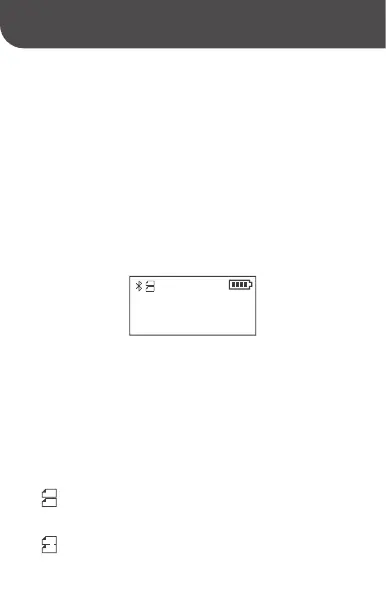
3. Paper type display: When you select different paper
types, corresponding icons will be displayed at the
same time.
Device ID
B3S-AB09000001
Adding machine paper: The paper is cut in alignment with the
gaps on the paper, via the cutter.
Black label paper: The paper is directly torn via the K line,
rather than using the cutter.
05



 To Next Page