Device ID
B3S-AB09000001
Device ID
B3S-AB09000001
6.Bluetooth Connection
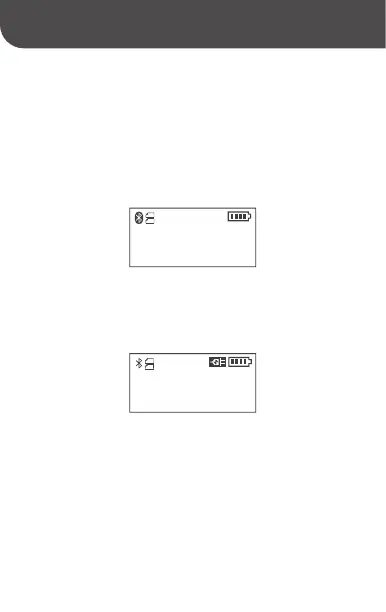
After Bluetooth pairing and connection, the Bluetooth icon
displays in reversed color.
7.Power Supply Indicator
When the power adapter is inserted, it will display the power
supply indicator icon.
8.Settings
Press the "Power/Menu" button on the main interface to enter
the settings interface, and press the "Power/Menu" button
again to switch between the five different settings interfaces
of "Print Concentration", "Paper Type", "Off Time",
"Language" and "Print Self-check Page". Press the "Paper
Skip/Select" button in the settings interface to change the
option content.



 To Next Page