10
R2-D2™ Skype Web Cam
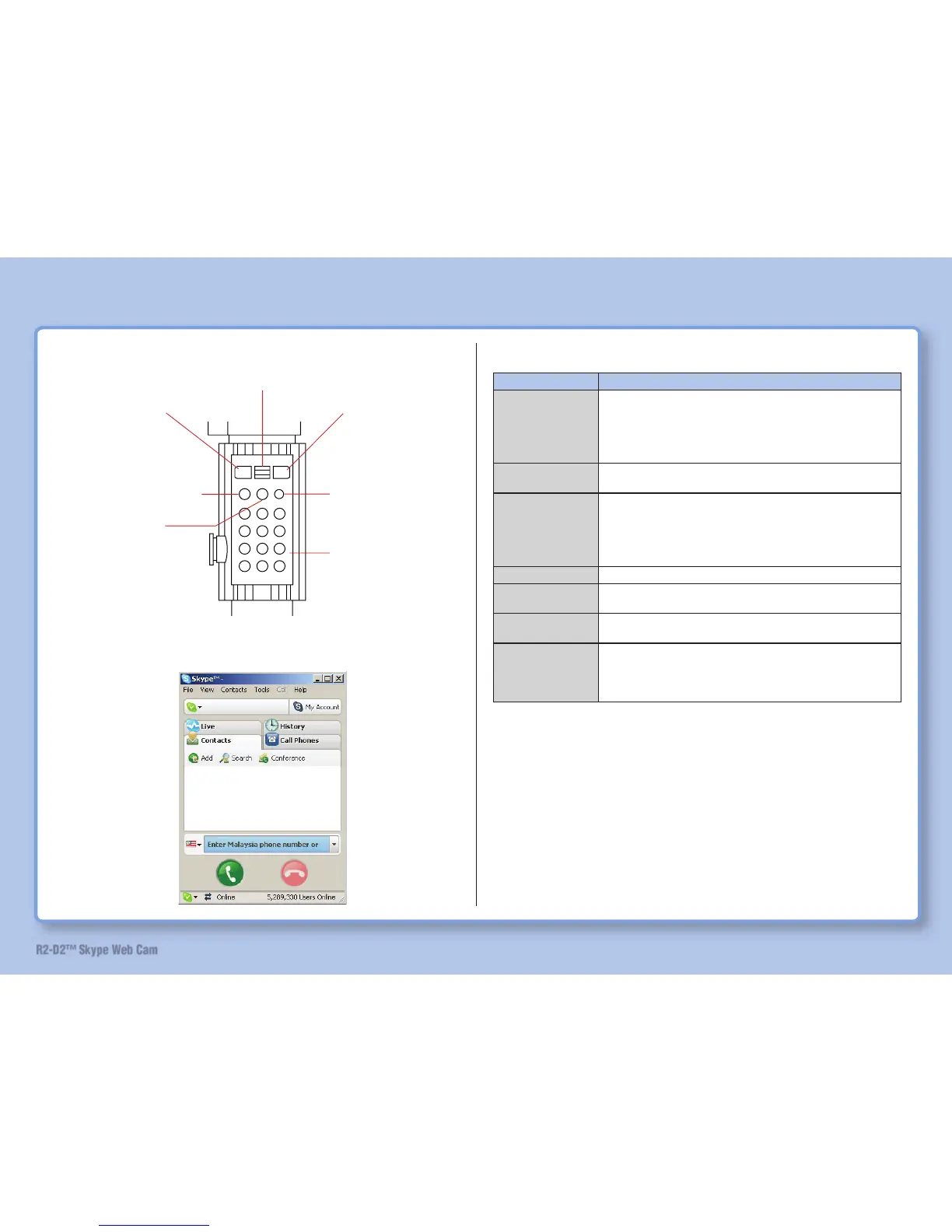
Button List
Button Name Function
Talk button
Start dialing once this button is pressed after key in the
phone number by using numeric buttons.
Press this button when receiving call to enter talk mode.
Dialed numbers and received numbers can be searched for
convenience of redial.
Up/Down button
Use this button to move cursor to select a number from the
contact list, etc.
Off button
Skype window is minimized if this button is press in standby
mode. Pressing this button during call disconnects the call.
Pressing this button while receiving a call rejects the call.
Pressing this button during set up closes the set up display.
Pressing this button while making a call ends the call.
Skype button
Skype pops up on the screen and the contact list appears.
+ button
Key in the first symbol for international calls (+) for
SkypeOUT.
Clear button
Pressing this button once erases one keyed-in number.
Continuous pressing this button erases all the numbers.
Numeric buttons
Key in the phone number. (Refer to “Talk on Skype” on page
52.)
Also used for operation of R2-D2. (Refer to “Operate with
Lightsaber” on page 50.)
Parts Identifi cation and Function
Talk button
Up/Down button
Off button
Skype button
+ button
Clear button
Numeric buttons
Display Contact List


 To Next Page