16
R2-D2™ Skype Web Cam
Installation Procedures
Install driver and software from the provided installation CD.
Note:
•
Before starting installation, close all applications on your computer.
1
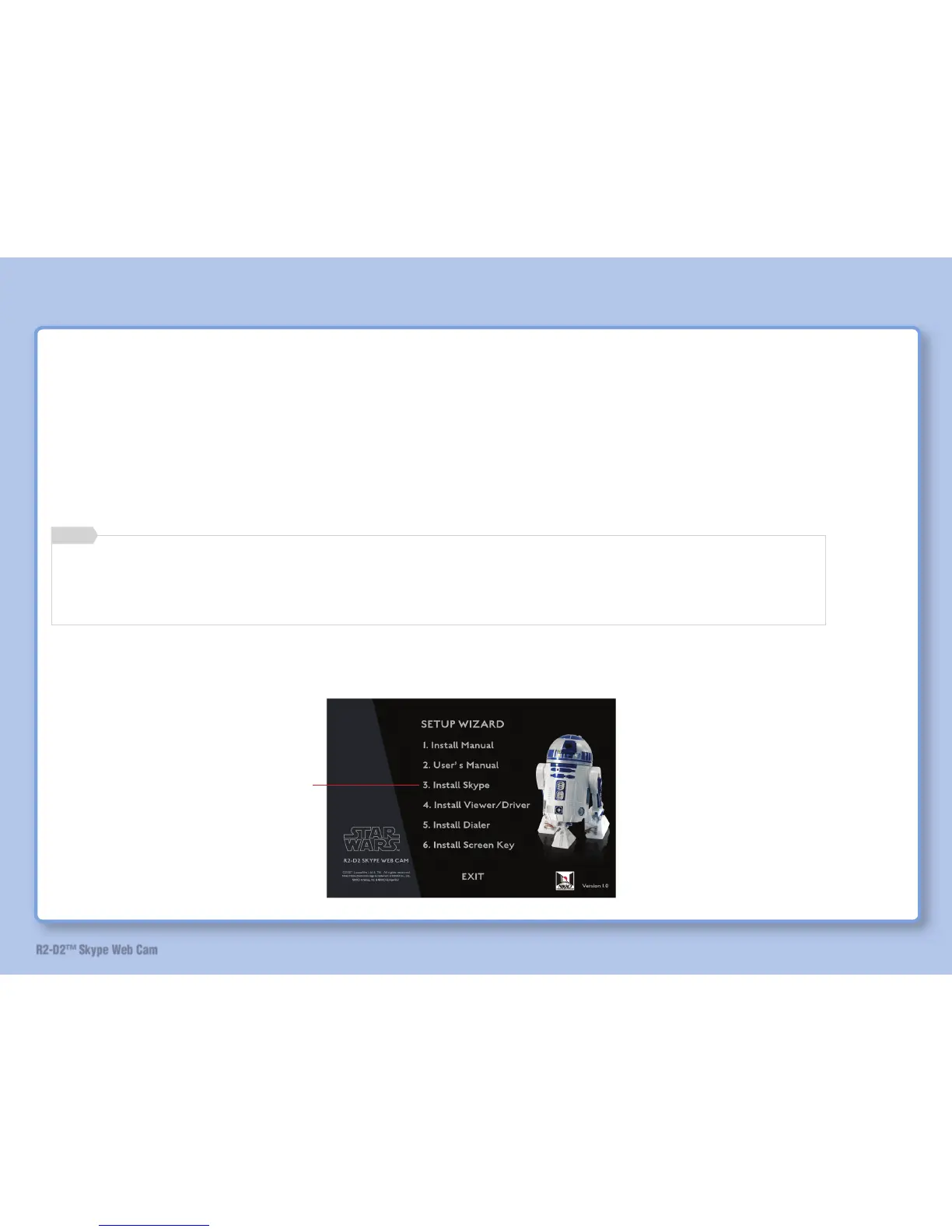
Startup the computer and insert the installation CD into CD-ROM drive.
Installer starts.
When installer does not start automatically
Double-click and open the CD-ROM drive icon on [My Computer], then double-click the “R2D2MENU.exe” fi le.
Recommend high speed broad band line to download and connect during Skype software installation and operation.
Memo
Install Software
2 Install Skype if it is not installed.
Click


 To Next Page