87
t
t
More on Photography
This section describes other features you can use when taking
pictures.
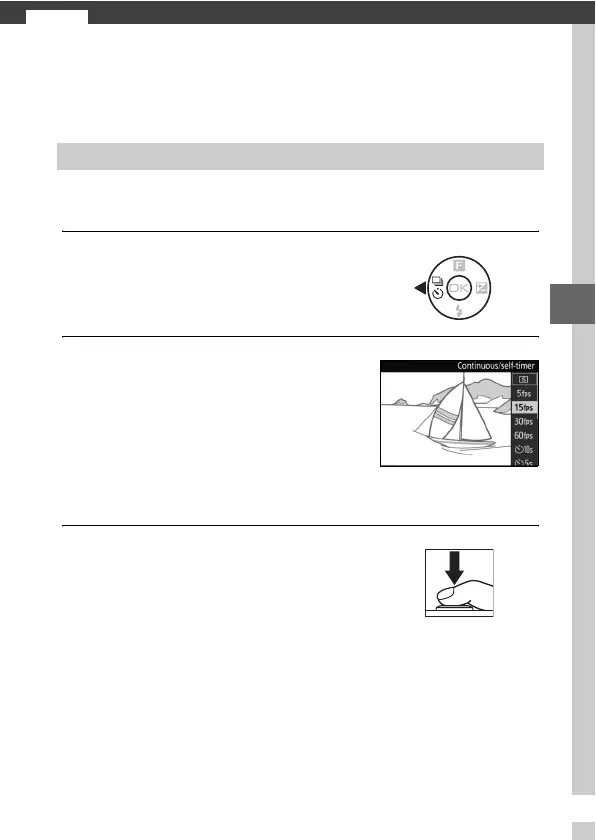
In continuous (burst) mode, the camera takes pictures while the
shutter-release button is pressed all the way down.
1
Display release mode options.
2
Select a frame rate.
3
Compose the shot and start shooting.
Continuous Mode
Press 4 (C) to display release mode
options.
Highlight the desired frame rate and
press J. Frame rate is expressed in
terms of the number of frames
recorded per second (fps); choose
from frame rates of approximately 5,
15, 30, and 60 fps (5fps, 15 fps,
30 fps, and 60 fps, respectively).
The camera takes pictures while the
shutter-release button is pressed all
the way down.



 To Next Page
 Loading...








