9
s
The & (Feature) Menu
1
Select an item.
2
Select an option.
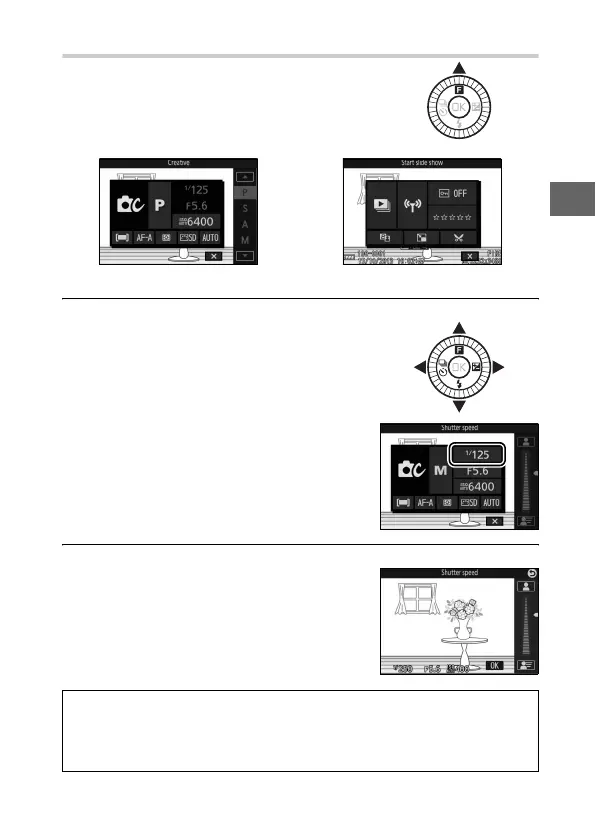
To display the feature menu and adjust
camera settings or access playback
options, press & (feature) on the multi
selector.
& menu (shooting mode) & menu (playback)
Use the multi selector to highlight an
item and press J to display options
(to exit the & menu, press the shutter-
release button halfway as described
on page 24 or highlight 1 and press
J).
Highlight the desired option or value
and press J to select.
A
The & Menu
The & menu is context-sensitive: its contents vary with camera settings
or the type of image displayed; options that are currently unavailable
are shown in gray. The & menu is not available in auto mode.



 To Next Page