- 46 -
Step 5
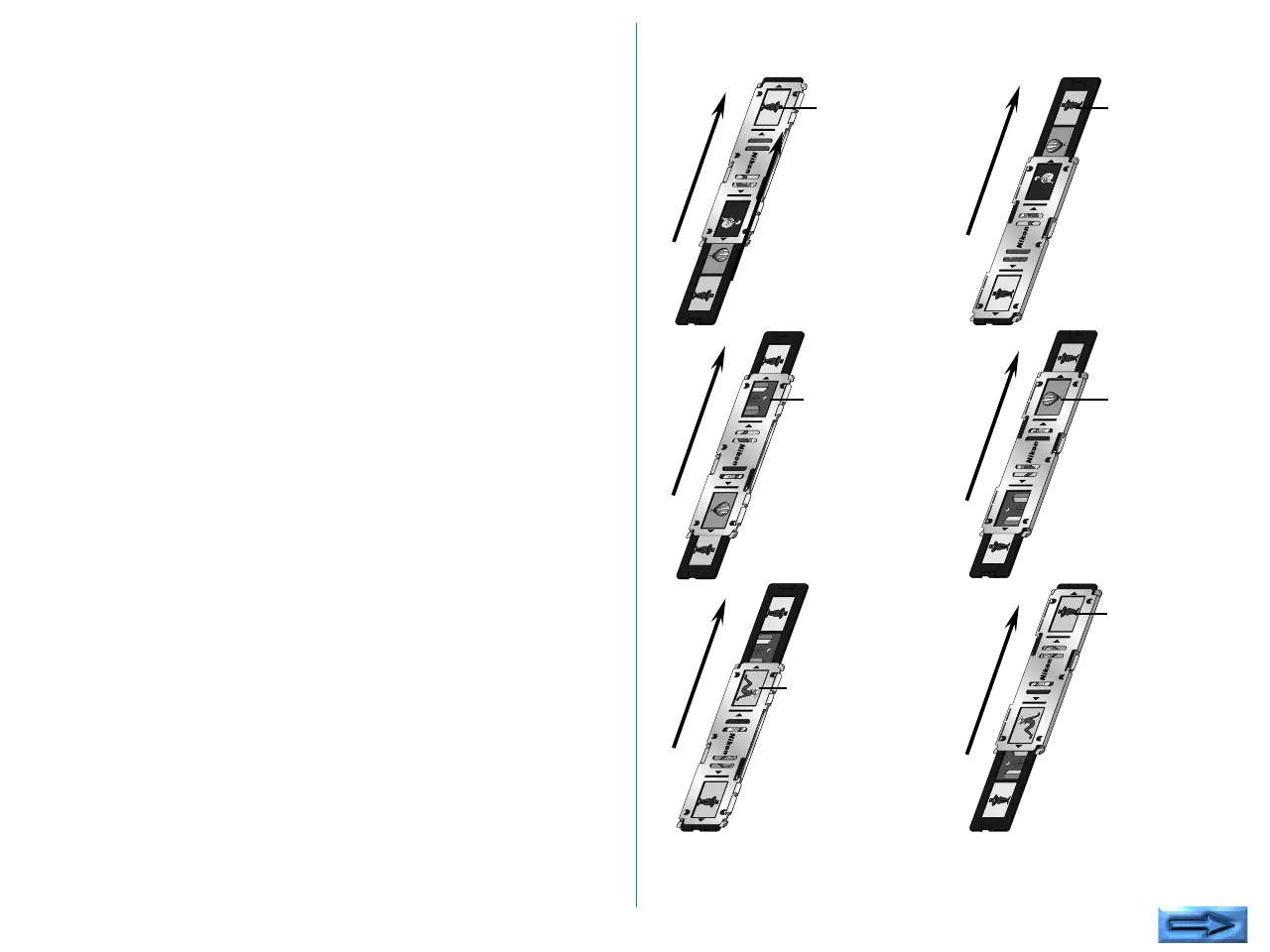
Align the image to be read with either of the two apertures in
the silver-colored adaptor frame.
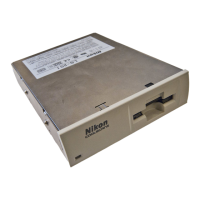
Insert the film holder in the film slot of the front panel in the
scanner , with placing the aperture through which the image is
to be read toward the slot.
The film holder can be inserted into the COOLSCAN II from
either end. Decide the insertion direction of the film holder
according to which image is to be read.
The first
image will be
read.
The second
image will be
read.
The third
image will be
read.
The fourth
image will be
read.
The fifth
image will be
read.
The sixth
image will be
read.






 To Next Page