- 6 -
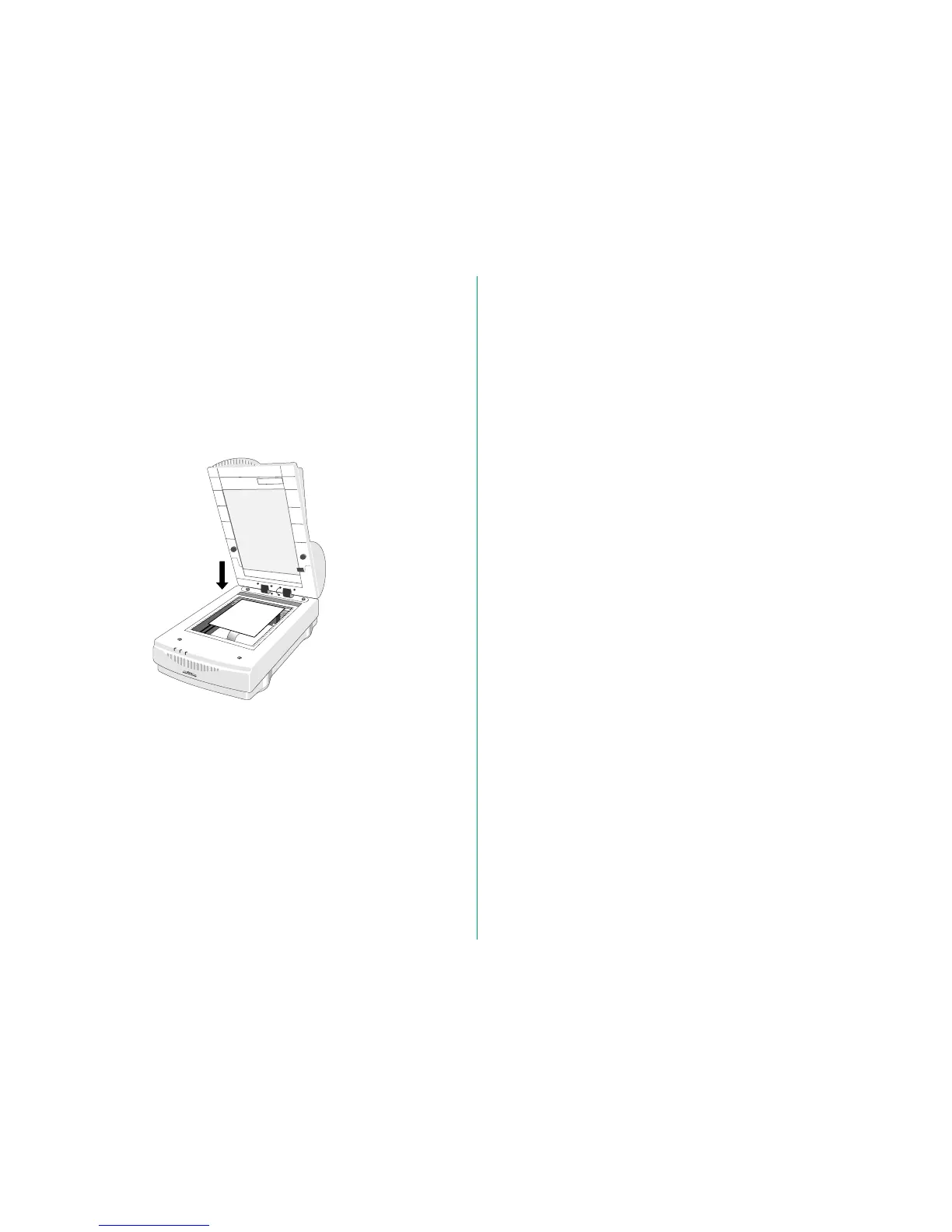
Loading Documents Manually
You can still load documents manually, even with the AF-10
installed.
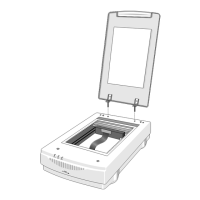
1. Open the front end of the AF-10.
2. Place the document on the document setting glass of the
scanner, then lower the AF-10 and initiate the scan.






 To Next Page