- 7 -
Troubleshooting
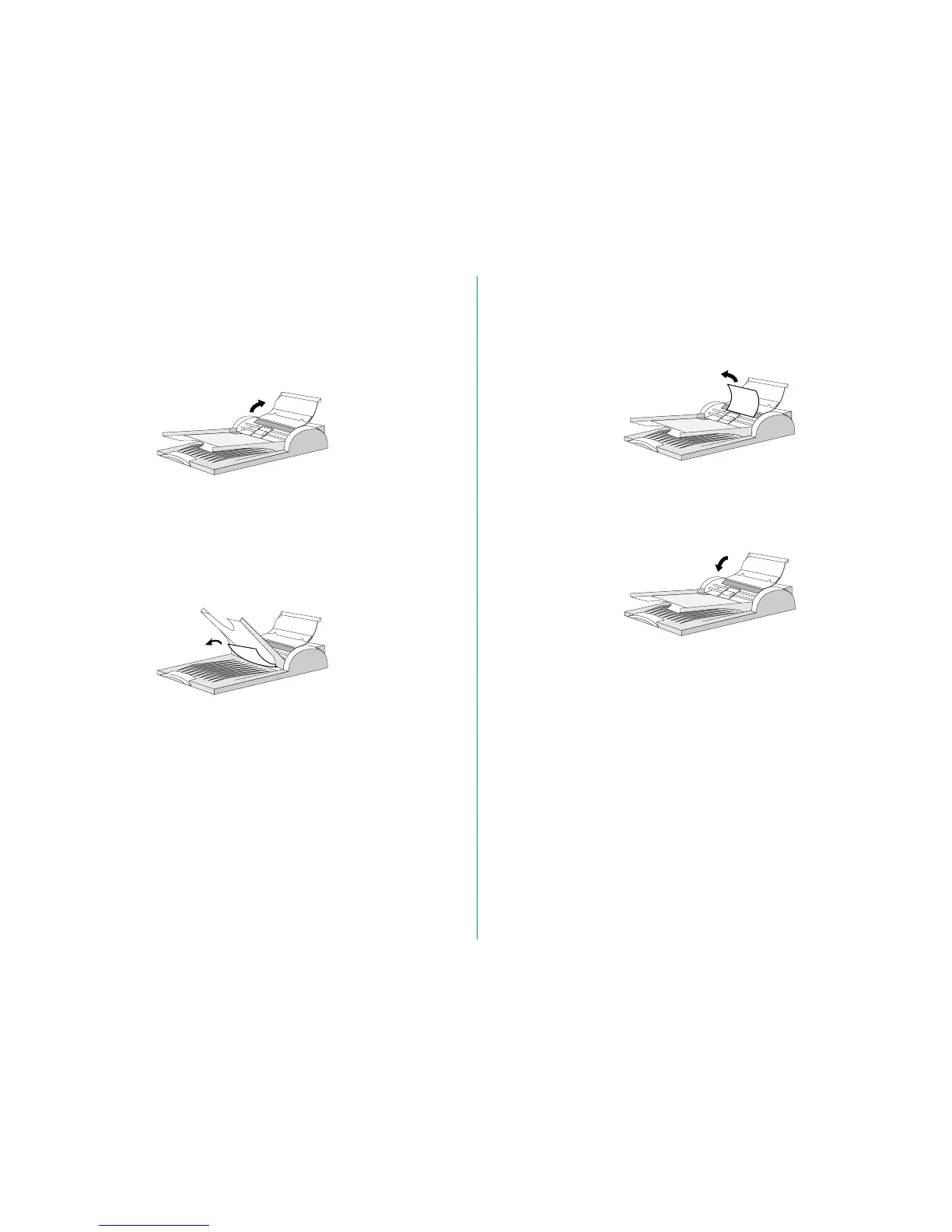
Removing a Jammed Document
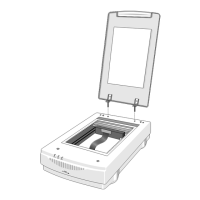
1. Raise the cover of the AF-10.
2. (Condition 1)
If the jammed paper is at the exit of the AF-10, lift the upper
tray, and slowly pull the jammed paper toward you until it is
fully released from the feeder mechanism.
(Condition 2)
If the jammed paper has not yet arrived at the exit of the
AF-10, slowly pull the jammed paper backward until it is fully
released.
3. After removal of the jammed document, gently close the
cover of the AF-10.







 To Next Page