- 8 -
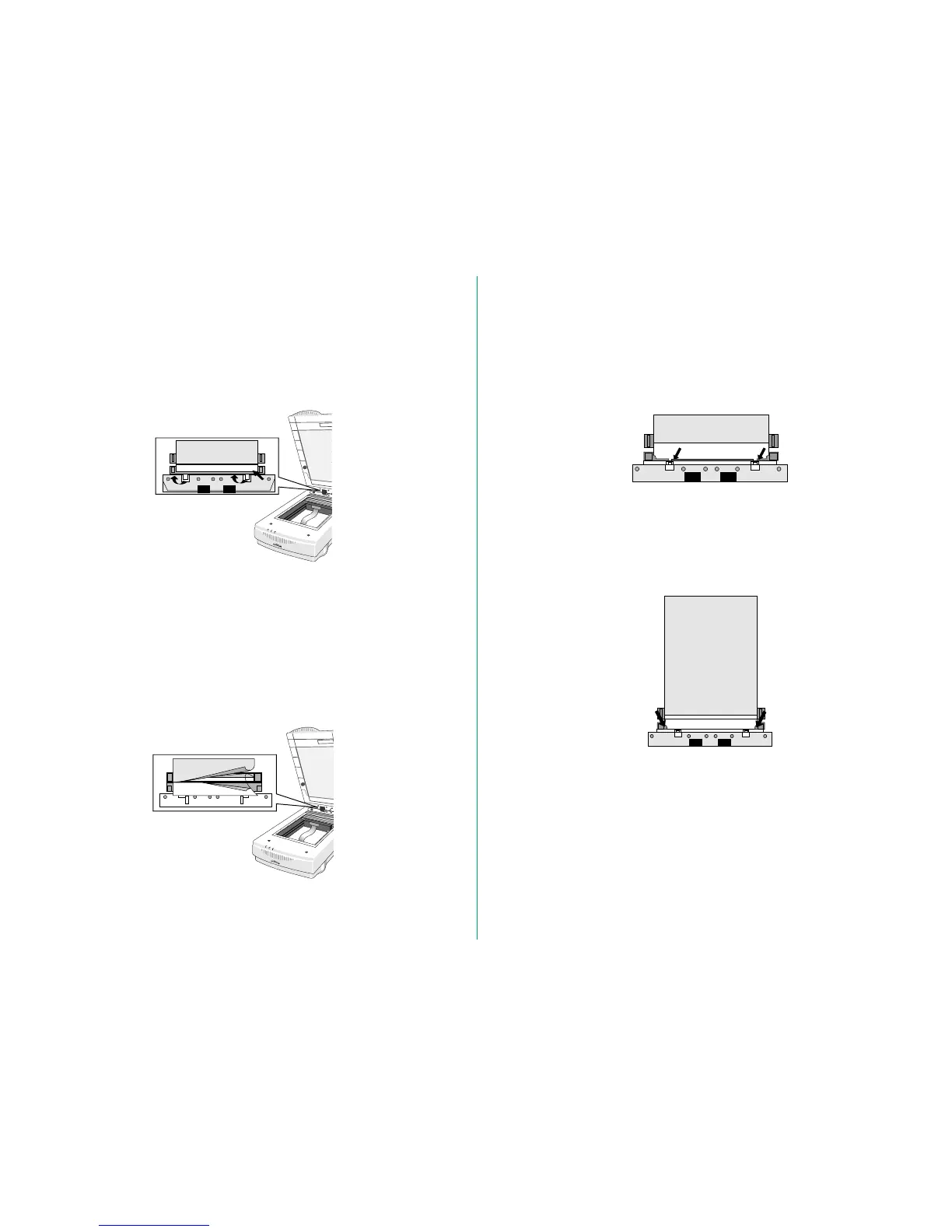
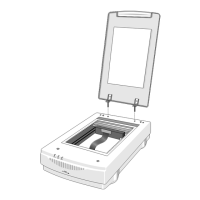
Replacing the Transparent Sheet
The quality of your scans may degrade overtime. Quite often
this is caused by a scratched or dirty Transparent Sheet. You
can contact your dealer to purchase a replacement. To replace
a worn Transparent Sheet, follow these steps:
1. Raise the cover of the AF-10.
2. Remove the Transparent Sheet from the AF-10 by pulling
the two hooks of the Transparent Sheet toward you, and
pushing it up.
3. Insert the transparency edge of the new Transparent Sheet
between the paper guide (A or B) of the AF-10, with the
white sheet to the lower side.
4. Insert the two hooks of the Transparent Sheet into the
AF-10.
5. Push down the two protrusions of the Transparent Sheet as
far as they will go.
6. Gently close the cover of the AF-10.






 To Next Page