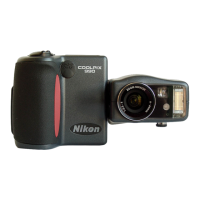
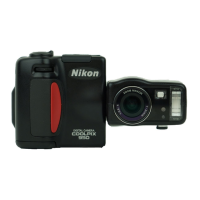
Using Nikon View 4 with Windows XP Home Edition / Windows XP Professional (COOLPIX5000/995/885/775)
xp-1
Installing Nikon View 4
Follow the installer instructions to install Nikon View 4 .
Device Registration
The camera must be registered as a hardware device when it is connected
to the computer for the first time.
Windows XP will automatically register the COOLPIX5000/995/885/775.
When the Removable Disk (Autoplay) window, or the Nikon View 4 Image
Transfer window appears automatically on the screen, registration has
been completed. Follow the steps below to confirm that the camera is
correctly registered with Windows.
Step 1
Select Control Panel from the Start menu to display the window shown
below. Click Performance and Maintenance.
Step 2
Click System to open the System Properties window.
Step 3
Select the Hardware tab and click the Device Manager button.
Using Nikon View 4 with Windows XP Home Edition / Windows XP Professional
COOLPIX5000/995/885/775
Log On
You will need to log on as the “Computer Administrator” when installing,
uninstalling and using Nikon View 4.


 To Next Page
 Loading...