EasyManua.ls Logo

Nikon Coolshot 40 - User Manual

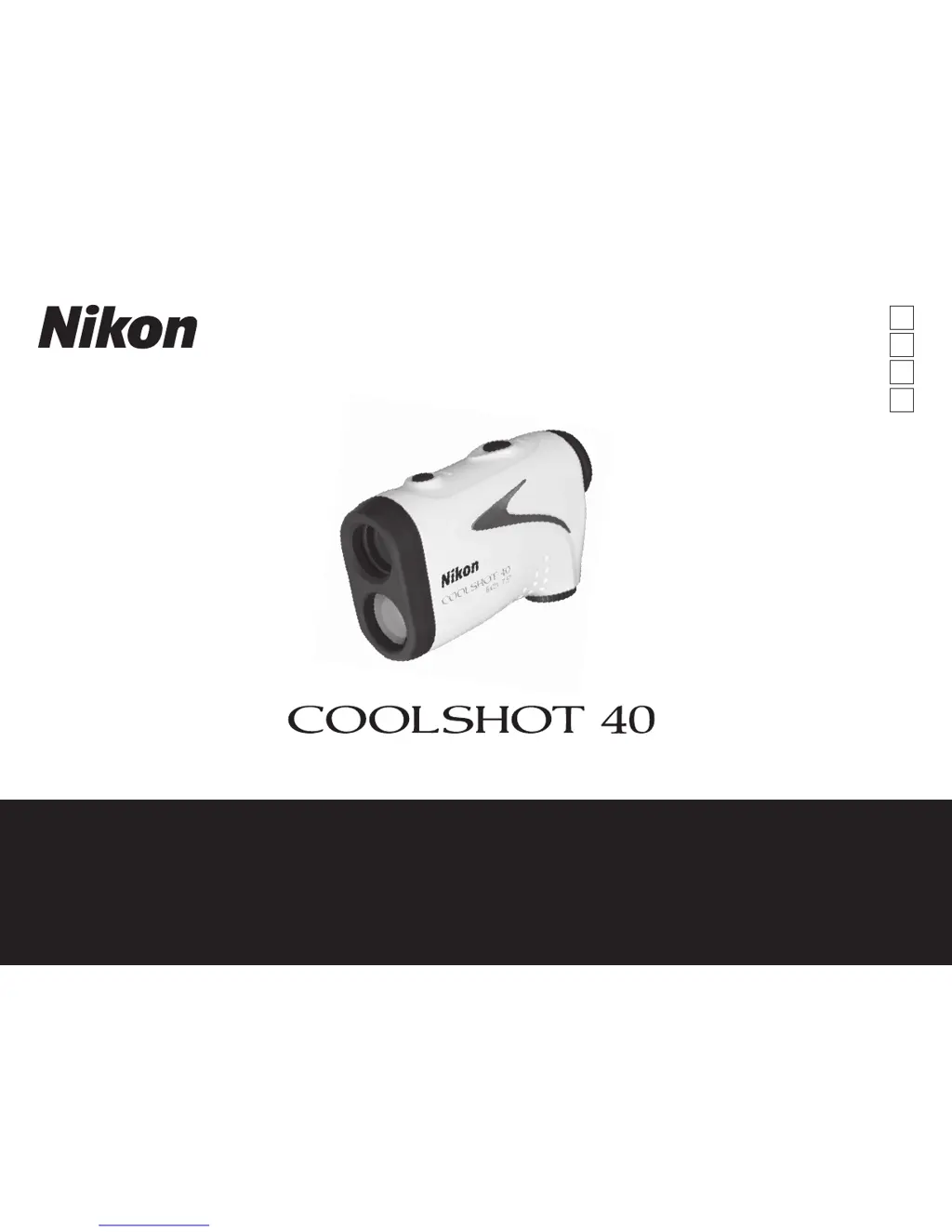
Nikon Coolshot 40
31 pages
Print Icon
To Next Page IconTo Next Page
Loading...
Instruction manual/Manual de instrucciones/
Manuel d’utilisation/Manual de instruções
Pt
En
Fr
Es

Questions and Answers

  • M
    Matthew GuerraJul 27, 2025
    What to do if my Nikon Monocular does not turn on?
    • O
      Oscar LeeJul 27, 2025
      If your Nikon Monocular doesn't turn on, try the following: First, press the POWER ON/Measurement button located on the near side, top of the body. Next, check the battery insertion to ensure it's correctly placed. If it still doesn't power on, replace the battery with a new one.
  • D
    Daniel WoodAug 9, 2025
    What to do if my Nikon Coolshot 40 gives anomalous results?
    • F
      Frank LeAug 10, 2025
      If your Nikon Monocular provides anomalous results, first, confirm each mode setting. Second, check if it can measure a large target that is close to you, for example, a building approximately 15m/yd ahead. Finally, clean the lens surface if needed.

Summary

Cautions Before Use

Laser Safety Precautions

Essential safety measures when using the laser function to prevent injury.

General Usage Warnings

Important warnings about improper use that can lead to serious injury or damage.

Care and Maintenance

Monocular Usage Precautions

Specific safety guidelines when using the monocular viewing feature.

Battery Safety Precautions

Guidelines for safe handling and use of the lithium battery.

Storage Recommendations

Proper storage conditions to prevent damage and maintain performance.

Key Features

Nomenclature and Composition

Product Components Overview

Identification and description of the various parts of the rangefinder.

Internal Display

Display Elements Explained

Explanation of the symbols and indicators shown on the internal display.

Target Priority Mode

Distance Display Units

Battery

Battery Type and Insertion

Information on the correct battery type and how to install it.

Battery Level Indicator

Understanding the indicator for battery charge status.

Battery Life Expectancy

Details on the expected operational time per battery charge.

Measurement

Preparation for Measurement

Steps required before taking a measurement, including battery and diopter setup.

Diopter Adjustment

Guide on how to adjust the diopter for a clear view.

Performing Measurement

Step-by-step instructions on how to operate the rangefinder for measurements.

Specifications

Structure and Design

Details on the physical structure and build of the rangefinder.

Electromagnetic Compatibility

Information regarding compliance with electromagnetic interference regulations.

Environmental Compliance

Notes on environmental standards and certifications.

Laser Specifications

Technical details related to the laser emission and classification.

Water Resistance Performance

Information on the product's water resistance rating and usage limitations.

Troubleshooting and Repair

Nikon Coolshot 40 Specifications

General IconGeneral
Exit pupil3.5 mm
Eye relief18.3 mm
Magnification6 x
Measurement range7.5 - 590 m
Objective diameter21 mm
Real field of view7.5 °
Measurement accuracy0.75 m
Battery typeCR2
Number of batteries supported1
Operating temperature (T-T)-10 - 50 °C
CertificationRoHS, WEEE
Weight and Dimensions IconWeight and Dimensions
Weight160 g
Dimensions (WxDxH)36 x 112 x 70 mm

Related product manuals