131
Deleting Selected Images
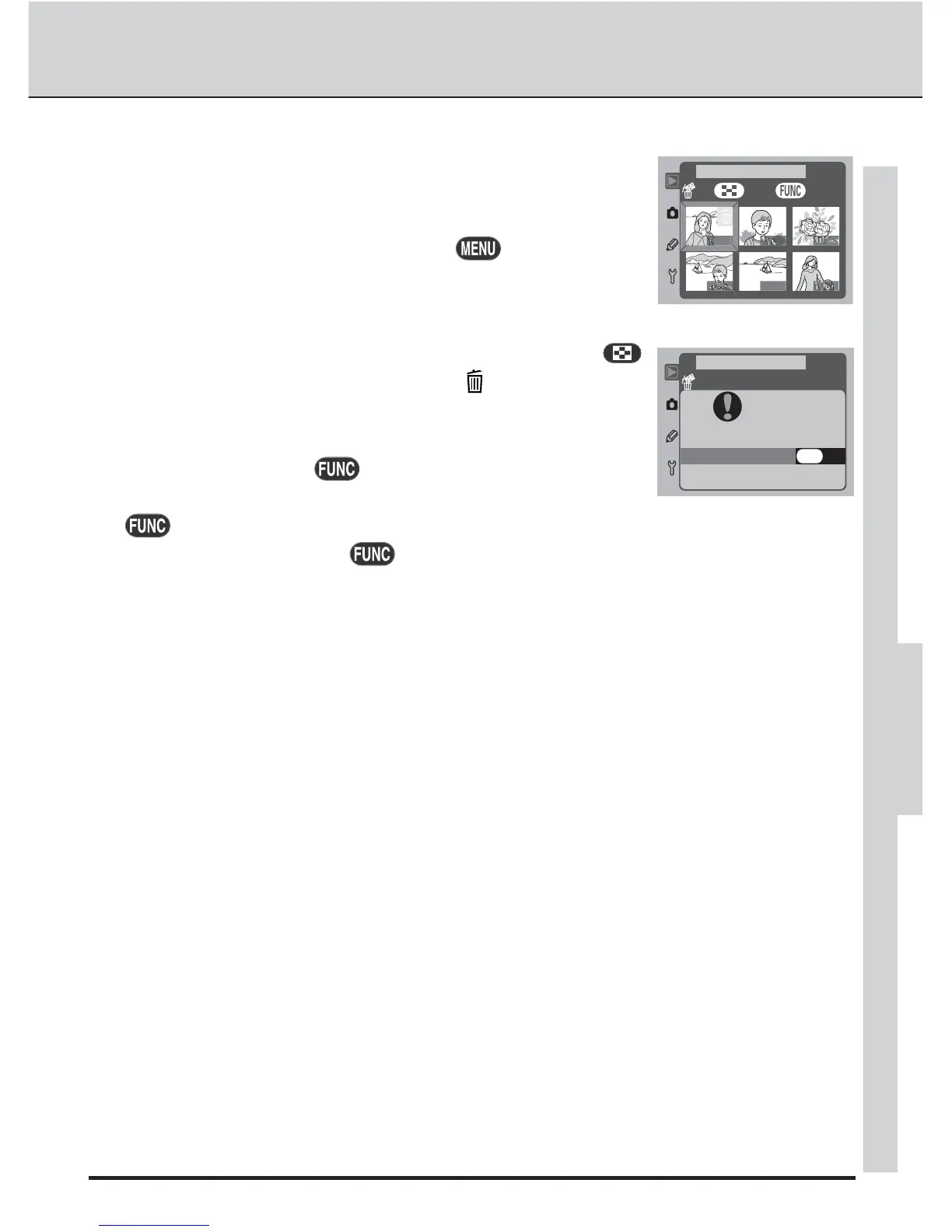
Choosing Selected in the Delete sub-menu displays a menu
of thumbnail images. Highlight the images to be deleted us-
ing the multi selector. To return to the playback menu at any
time without deleting images, press the button.
OK
NO
YES
PLAYBACK MENU
Selected
Delete
5 images
To select an image for deletion, highlight it and press the
button. The image will be marked with a icon (to deselect
an image, highlight it and press the button a second time).
Repeat until all the images you wish to delete have been
selected, then press the button. The confirmation dia-
log shown at right will be displayed; highlight YES and press
the button to delete the selected images. To exit without deleting the images,
highlight NO and press the button.
PLAYBACK—BASIC PLAYBACK



 To Next Page