162
CUSTOM SETTINGS AND OTHER MENUS—CUSTOM SETTINGS
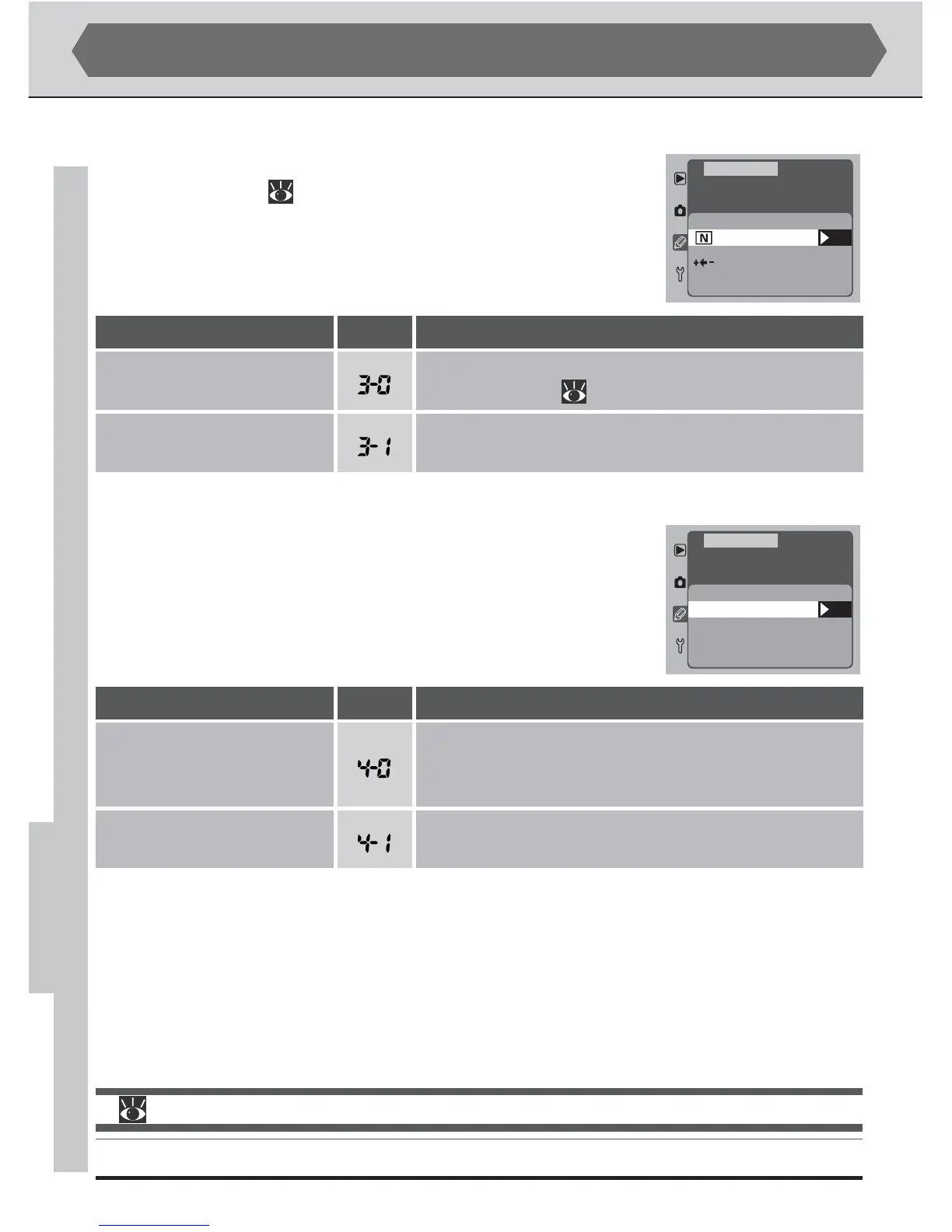
Custom Setting 3: Bracketing Order
By default, auto bracketing proceeds in the order given in the
reference section ( pg. 100). If desired, the camera can be
programmed to perform bracketing in order from the low-
est exposure value (underexposure) to the highest exposure
value (overexposure).
OK
Bracketing Order
F3
MTR>Under>Over
Under>MTR>Over
CSM MENU
Custom Setting 4: AF Activation
By default, both the shutter-release button and the AF-ON
buttons can be used activate autofocus. If you prefer, you can
set the camera so that an autofocus operation is only per-
formed when one of the AF-ON buttons is pressed.
OK
F4
AF Activation
Shutter/AF-ON
OFF
ON
AF-ON only
CSM MENU
Description
Autofocus can only be performed using the AF-ON
buttons.
Custom Settings (continued)
Autofocus can be performed using the AF-ON but-
tons or by pressing the shutter-release button half-
way.
Option
AF-ON only
Shutter/AF-ON
(default)
No.
Description
Bracketing performed in the order given in the ref-
erence section ( pg. 101).
Bracketing performed in order from lowest to high-
est value.
Option
MTR>Under>Over
(default)
Under>MTR>Over
No.
For more information on:
pg. 100 Auto bracketing



 To Next Page