183
CUSTOM SETTINGS AND OTHER MENUS—CUSTOM SETTINGS
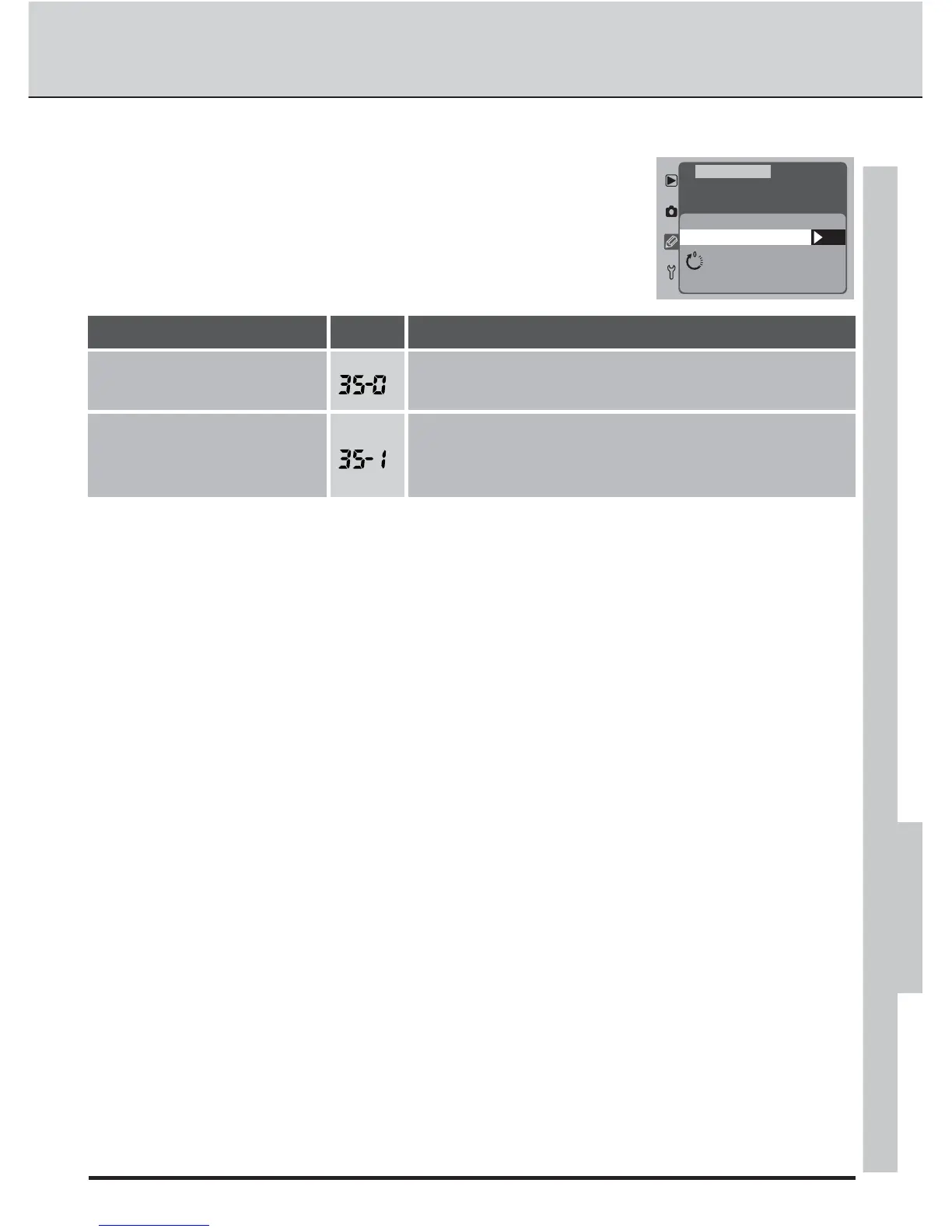
Custom Setting 35: Rear Control Panel Display
This setting determines whether the display in the rear con-
trol panel indicates the current sensitivity (ISO equivalency)
setting or the number of exposures remaining.
OK
ISO
F35
Rear Control
Panel Display
ISO
Frame Count
CSM MENU
DescriptionOption No.
Rear control panel shows the number of exposures
remaining. Sensitivity is displayed only while the ISO
button is pressed.
Frame Count
Rear control panel shows current sensitivity setting.
ISO
(default)



 To Next Page