50
TUTORIAL—TAKING PHOTOGRAPHS
6
.5 Delete undesired photographs
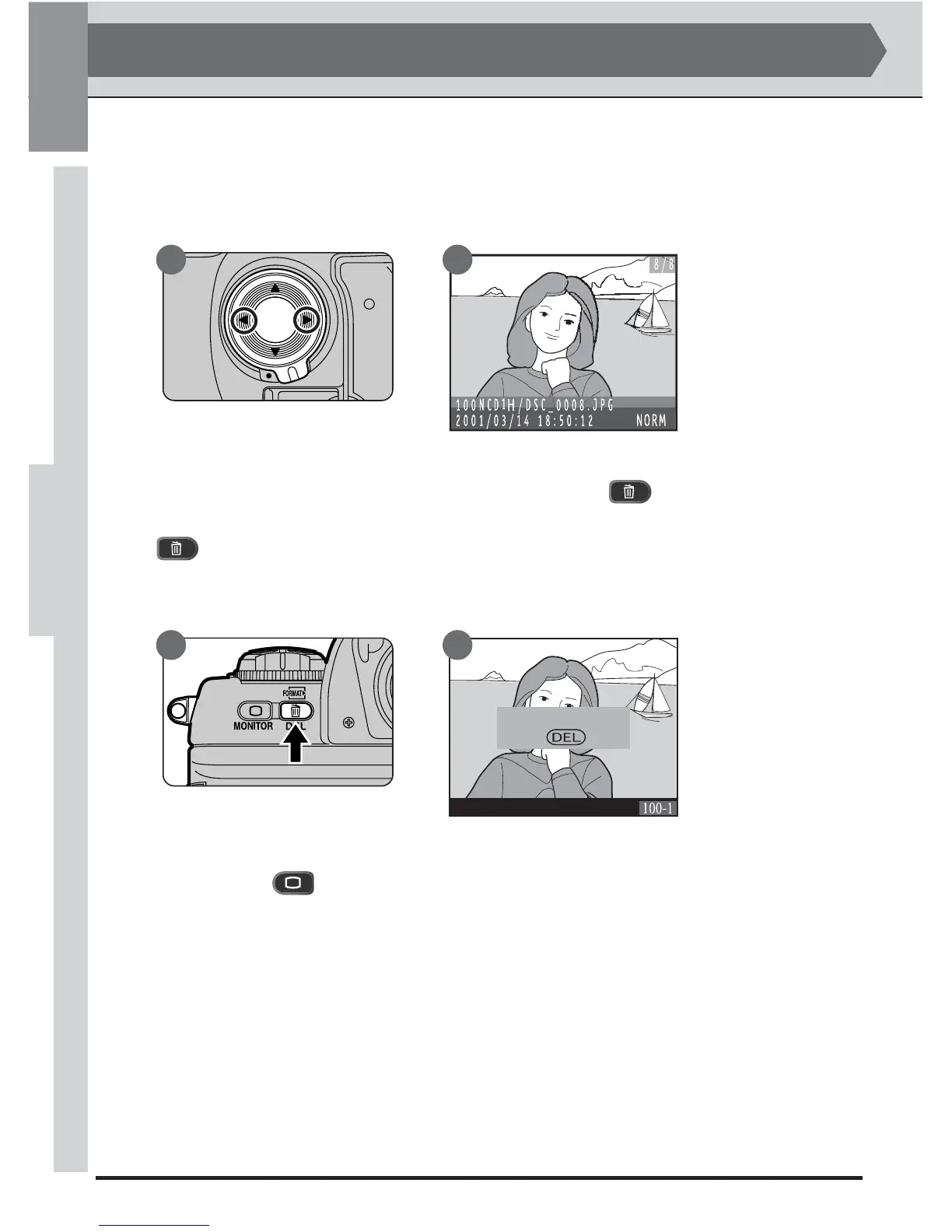
In single-frame or thumbnail review, pressing the button (A) selects the
current image for deletion. A confirmation dialog will be displayed (B), press
a second time to delete the photograph and return to single-frame or
thumbnail review. Pressing any other button cancels the delete operation,
leaving the selected photograph untouched.
A
Delete Images?
YES
B
6
.6 Return to shooting mode
Pressing the button at any time during review turns the monitor off and
returns the camera to shooting mode. Pressing the shutter-release button
halfway also turns the monitor off and readying it for the next shot.
STEP 6
6
—Checking the Results (continued)
6
.4 View photo information on the selected photograph
To view photo information on an image displayed in single-frame review, press
the multi selector right or left (to learn more about the photo information
display, see “Reference: Playback”).
A B



 To Next Page