Choosing the Image Type
Highlighting Color in the image-quality menu and pressing
the multi selector to the right displays the menu of color
options shown at right. Highlight Color (for color images)
or B&W (for black-and-white) by pressing the multi selec-
tor up or down. Your choice will have no effect on the num-
ber of images that can be recorded to the memory card. The
Color menu is not available at a setting of High > NEF (RAW).
Once you have chosen the image type, pressing the multi selector to the right will
return you to the Image Quality menu.
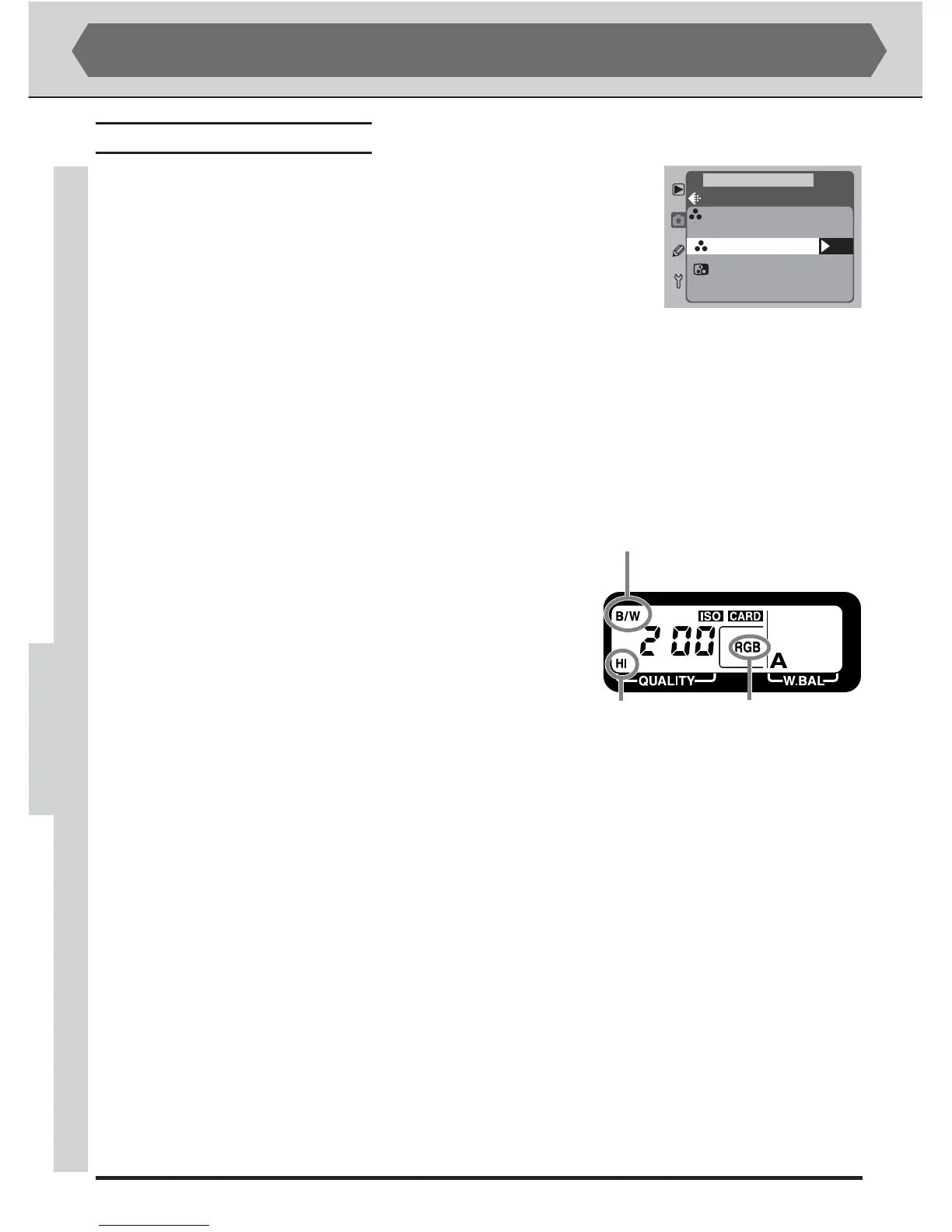
Understanding the Image-Quality Display
The current image-quality setting is displayed in the
rear control panel as shown at right. An image-qual-
ity setting of JPEG Normal is shown as NORM, a file
format of YCbCr-TIFF as CbCr, and an image type
of black-and-white as B/W.
ADVANCED PHOTOGRAPHY—IMAGE QUALITY
File format
Image quality
Image type (black-and-
white images only)



 To Next Page