203
Menu Guide—Custom Settings
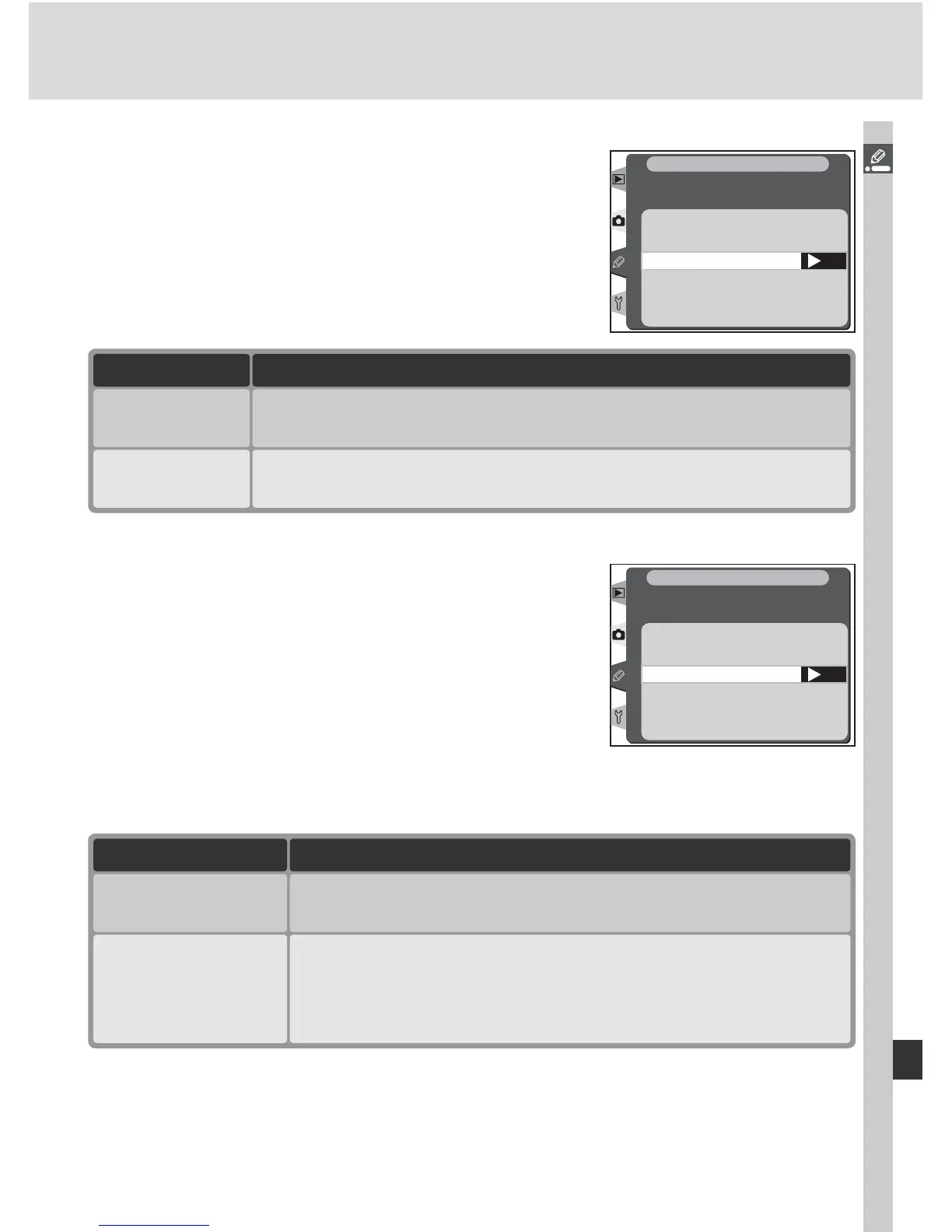
Change Main/Sub
This option can be used to exchange the functions
of the main and sub-command dials when setting
shutter speed and aperture. Press the multi se-
lector up or down to highlight an option, then
press to the right to make a selection.
OK
Change Main/Sub
On
Off
f5
Customize command dials
CSM MENU
Option Description
On
Main command dial controls aperture, sub-command controls
shutter speed.
Off
(default)
Main command controls shutter speed, sub-command dial con-
trols aperture.
Aperture Setting
This option controls whether changes to aperture
are made using the lens aperture ring or the com-
mand dials. Regardless of the setting chosen,
the lens ring must be used to set aperture for
non-CPU lenses and the command dials to set
aperture for type G lenses not equipped with an
aperture ring. Press the multi selector up or down
to highlight an option, then press to the right to
make a selection.
Aperture setting
Sub-command dial
OK
Aperture ring
f5
Customize command dials
CSM MENU
Option Description
Aperture ring
Aperture can only be adjusted using lens aperture ring. Cam-
era aperture display shows aperture in increments of 1 EV.
This option is selected automatically when non-CPU lens is
attached.
Sub-command dial
(default)
Aperture can only be adjusted using sub-command dial (or
main command dial if Change Main/Sub is On).



 To Next Page