126
Taking Photographs—Non-CPU Lenses
2
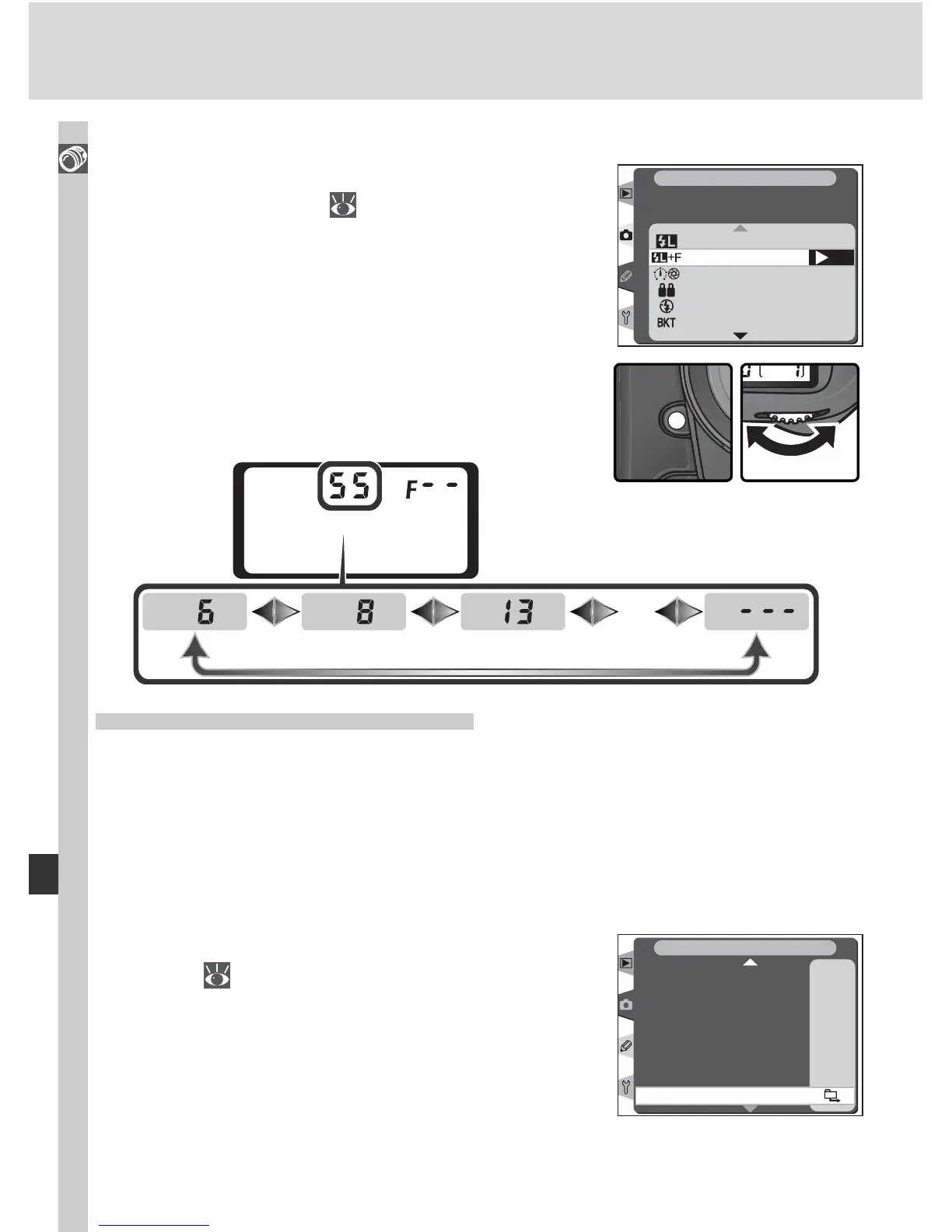
Press the FUNC. button and rotate the main
command dial. Focal length is displayed in
the top control panel:
The Function Button
1
Select FV Lock/Lens data for Custom Setting
f4 (FUNC. Button; 201).
…
FV Lock
FV Lock/Lens data
OK
1 step spd/apeture
Same as AE-L/AF-L
Flash off
Bracketing burst
f4
Assign FUNC. Button
CSM MENU
Specifying Maximum Aperture
Lens maximum aperture can be specifi ed using the Non-CPU lens data op-
tion in the shooting menu or by pressing the FUNC. button and rotating the
sub-command dial. The following f/-numbers are available:
• 1.2, 1.4, 1.8, 2, 2.5, 2.8, 3.3, 3.5, 4, 4.5, 5, 5.6, 6.3, 7.1, 8, 9.5, 11, 13,15,
16, 19, 22
The Non-CPU Lens Data Menu
1
Highlight Non-CPU lens data in the shooting
menu ( 169) and press the multi selector to
the right.
A
200
A
A
I
0°
OFF
SHOOTING MENU
White bal.
ISO
Image sharpening
Tone compensation
Color mode
Hue adjustment
Intvl timer shooting
Non-CPU lens data



 To Next Page