225
Connections—Connecting to a Computer
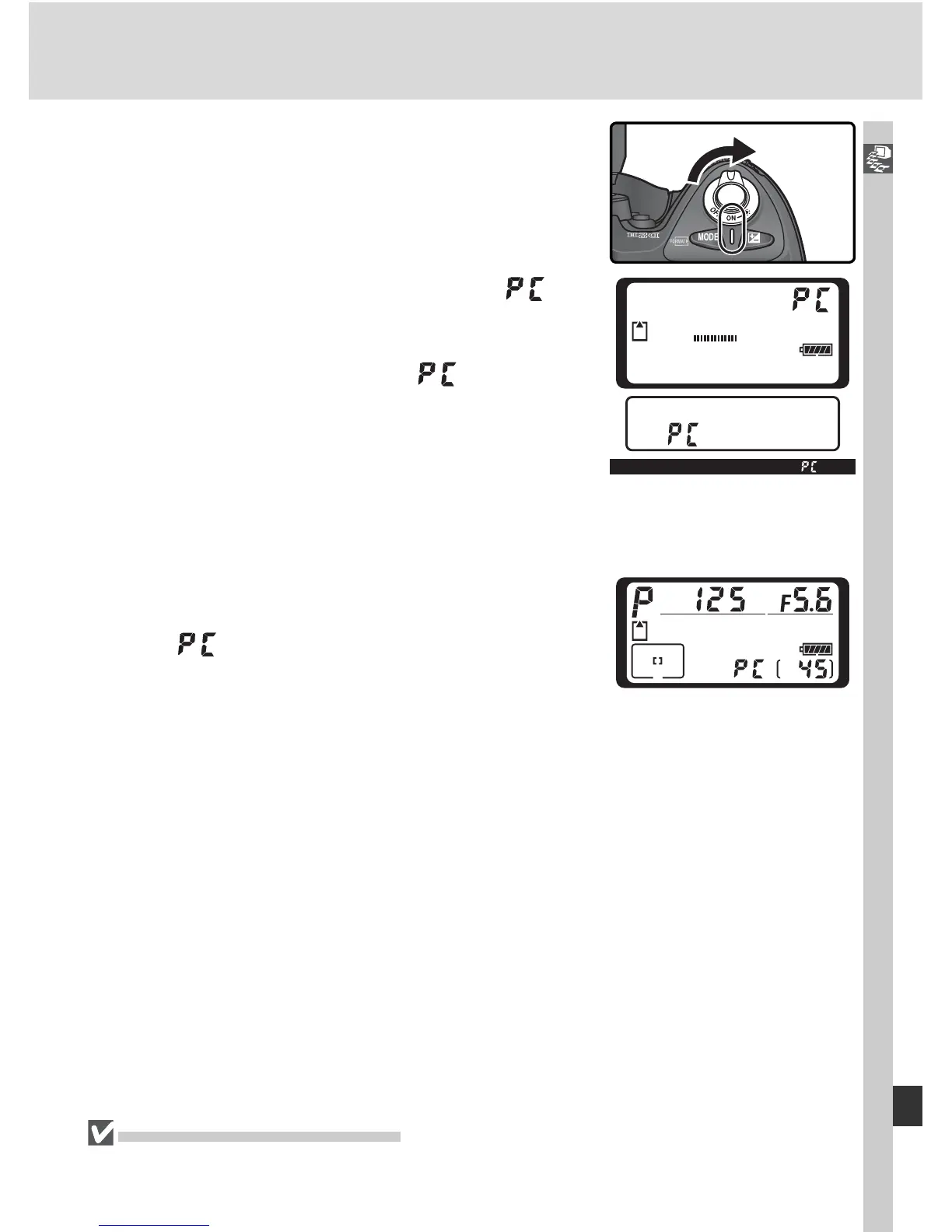
If Mass Storage is selected for USB, will
be displayed in the rear control panel and
viewfi nder. The aperture display in the top
control panel will also show , and the PC
mode indicator will fl ash (if PTP is selected,
the camera displays will only change when
Nikon Capture 4 Camera Control is run-
ning). Photographs can be transferred to the
computer as described in the documentation
provided on the reference CD.
If the Nikon Cap ture 4 Camera Control com-
ponent is run ning, the top control panel will
show
in place of the number of exposures
remaining. Any photographs taken will be re-
cord ed to the com put er hard disk rath er than
the cam era mem o ry card. See the Nikon Cap-
ture 4 User’s Man u al for more in for ma tion.
4
Turn the camera on.
Do Not Turn the Camera Off
Do not turn the camera off while transfer is in progress.



 To Next Page