28
Tutorial—Basic Photography
1
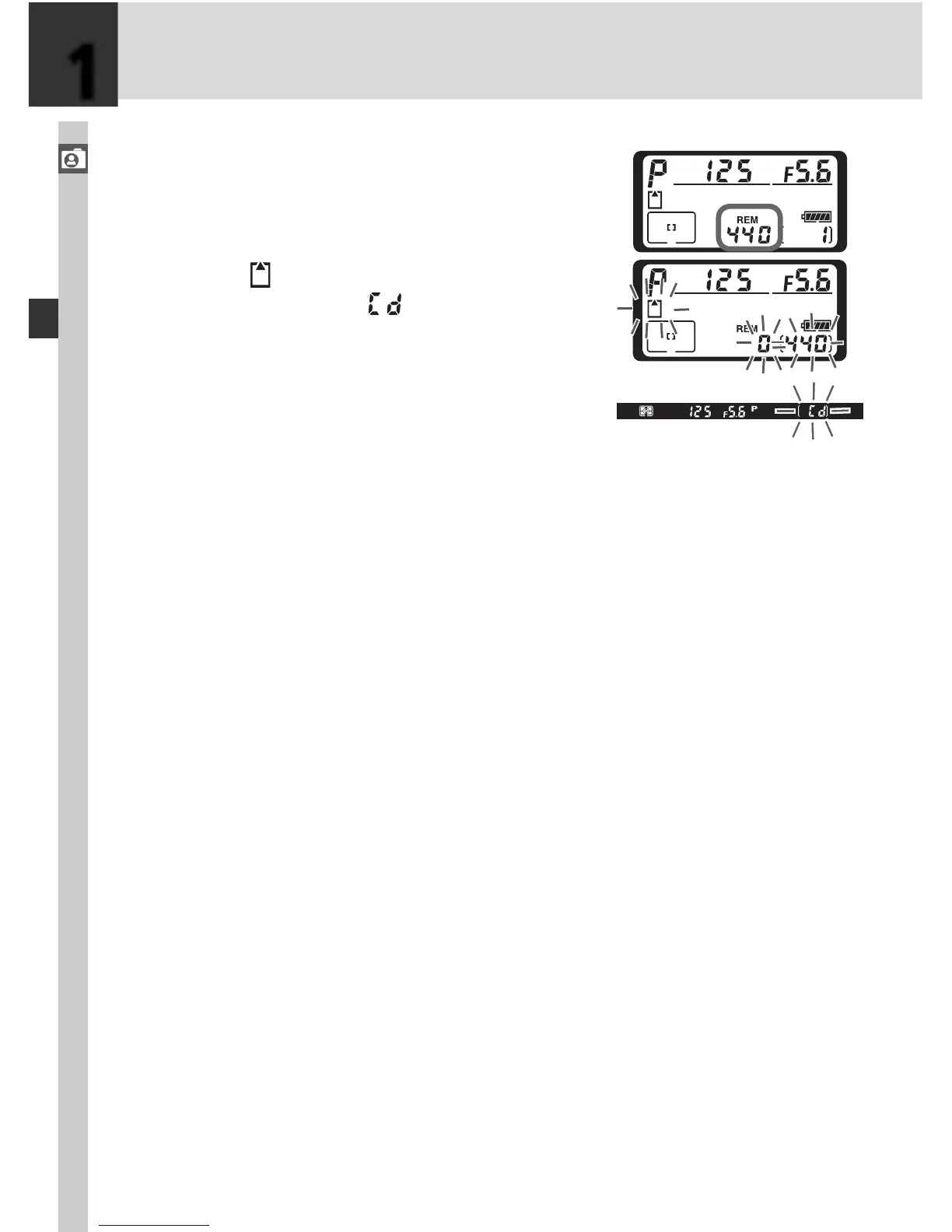
.3 Check the num ber of exposures re main ing
The exposure-count displays in the top con-
trol pan el and viewfi nder show the num ber
of pho to graphs that can be taken at cur-
rent set tings. When this number reaches
zero, the
icon will fl ash in the top control
panel and a fl ashing icon will appear in
the viewfi nder. No further pictures can be
taken until you de lete pic tures or in sert a
new mem o ry card. You may be able to take
additional pictures at lower image qual i ty or
size set tings.
1



 To Next Page