43
Taking Photographs—Image Quality and Size
The QUAL Button
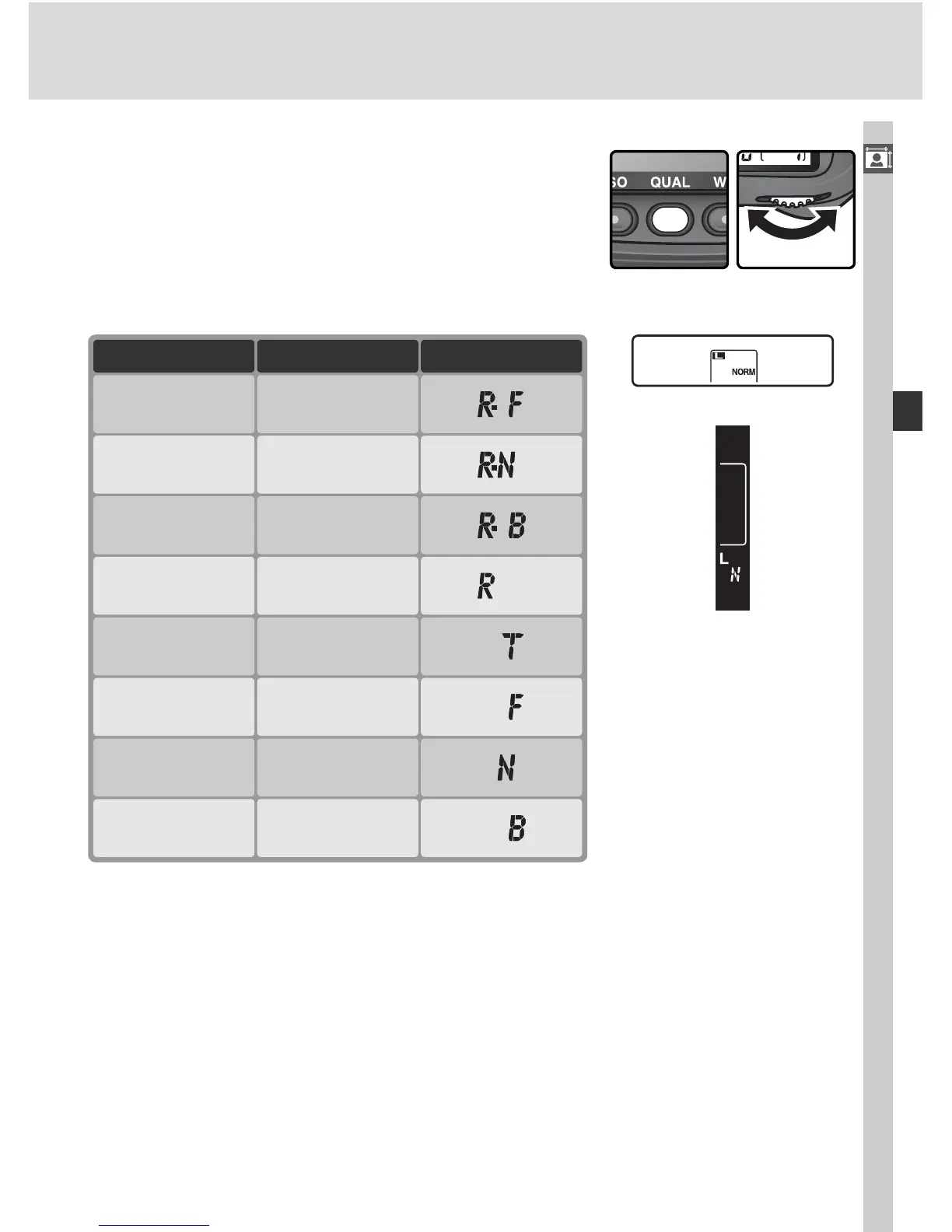
Image quality can also be set by pressing the
QUAL button and rotating the main command
dial (note that NEF (RAW) compression can only
be adjusted in the Raw compression menu). Im-
age quality is displayed in the rear control panel
and in the viewfi nder sidebar:
Rear control panel
Viewfi nder
Option
NEF (Raw)
NEF + JPEG
Fine
NEF + JPEG
Basic
NEF + JPEG
Normal
TIFF (RGB)
JPEG Normal
JPEG Fine
JPEG Basic
Rear panel
RAW
RAW
+
FINE
RAW
+
BASIC
RAW
+
NORM
TIFF
NORM
FINE
BASIC
Viewfi nder



 To Next Page