V1.02
Thom Hogan’s Complete Guide to the Nikon D300 Page 554
1. Leave this option set to On, otherwise you’ll end up with
a lot of
DSC_0001 duplicate filenames on your computer,
and if you aren’t disciplined about renaming files or
checking for overwrites, you could easily lose images.
2. If for some reason you need to set file numbering to a
specific value, use the Reset option for this setting, then
put a file with a file name one less than where you want
to start numbering into the appropriate folder on your
memory card (has to be the active folder), insert that card
into the camera, then immediately set this option back to
On.
Custom Setting #D7 Shooting Info Display Style
(Shooting info display)
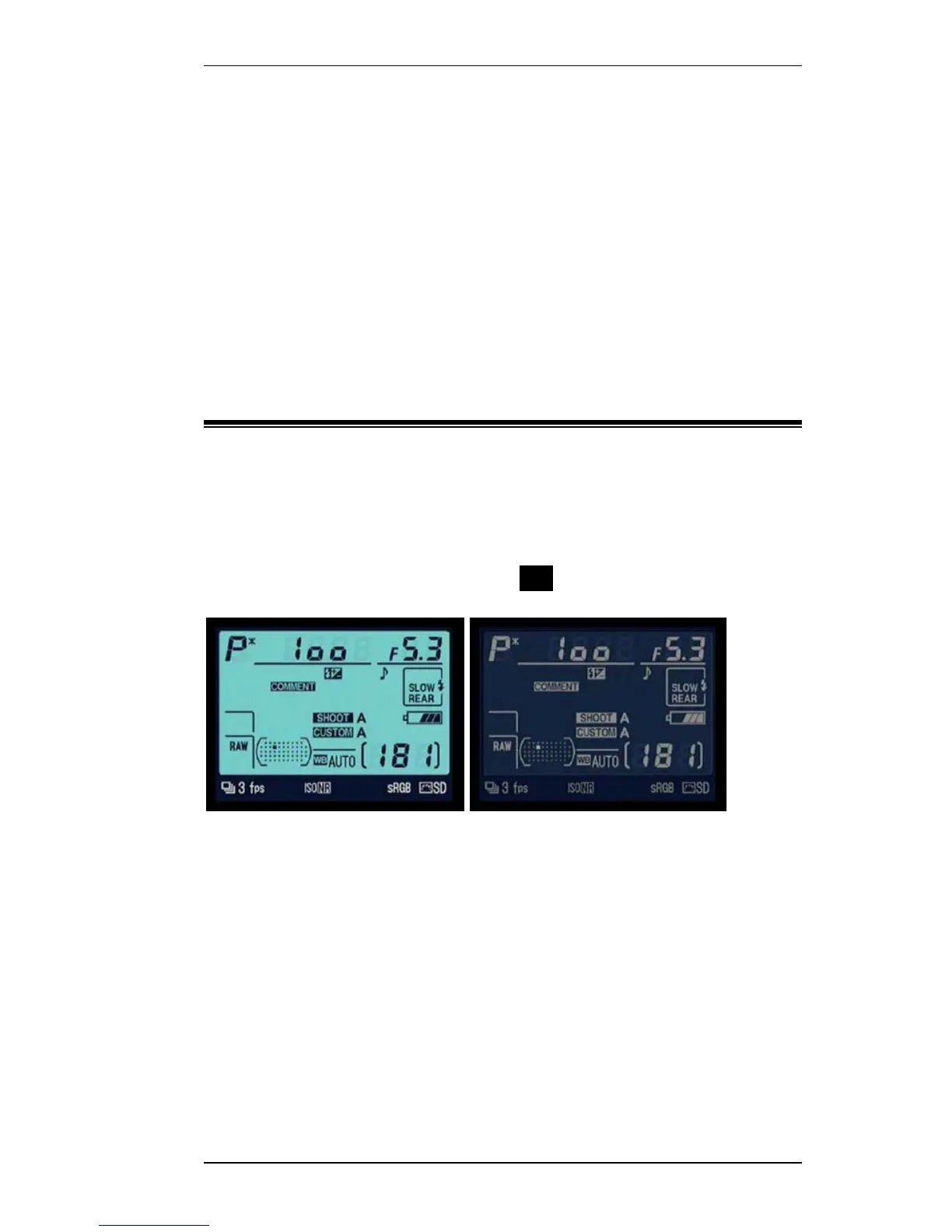
The D300 has the ability to display a detailed shooting
information display on the color LCD when you press the
Protect (}) button (also marked info). This display may be
dark-on-light characters or light-on-dark characters:
Dark-on-light Light-on-dark
Auto Dark-on-light is used in bright light, while
light-on-dark is used in dim light [default]
Manual You set which option to use



 To Next Page