12
Matching Settings to Your Goal
Reducing Camera Blur: Vibration Reduction
Vibration reduction (VR) is supported with VR lenses. To re-
duce camera blur, choose a setting suited to the subject.
Situation
VR mode
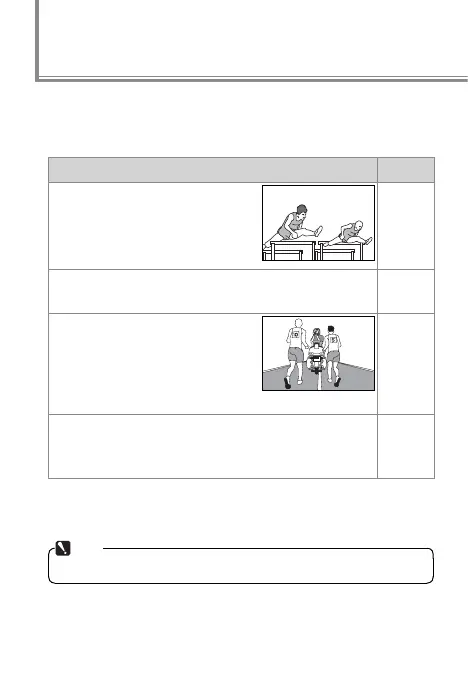
Moving subjects shot at shutter speeds of
1⁄500 s or faster: Because blur is less
likely, OFF is recommended at fast
shutter speeds.
OFF
Stationary subjects; panning shots of moving subjects: Select ON
or NORMAL to reduce the eff ects of vibration.
ON/
NORMAL
Photos taken from cars, boats, helicop-
ters, or other unstable platforms: Select
ACTIVE. Note that the image in the
viewfi nder may be aff ected by
panning or excessive vibration.
ACTIVE
Photographs taken with a tripod: Select TRIPOD, but note that
NORMAL is suggested if the head is not fi xed or you are
using a monopod.
TRIPOD
Note that depending on the lens, some of the above VR
modes may not be available.
Note
Frame rates may drop at settings other than OFF.
●●



 To Next Page