2
Improving Camera Response
This section introduces settings for reliably and quickly
photographing athletes and other moving subjects.
Continuous-Servo AF (AF-C)
Continuous-Servo AF (AF-C)
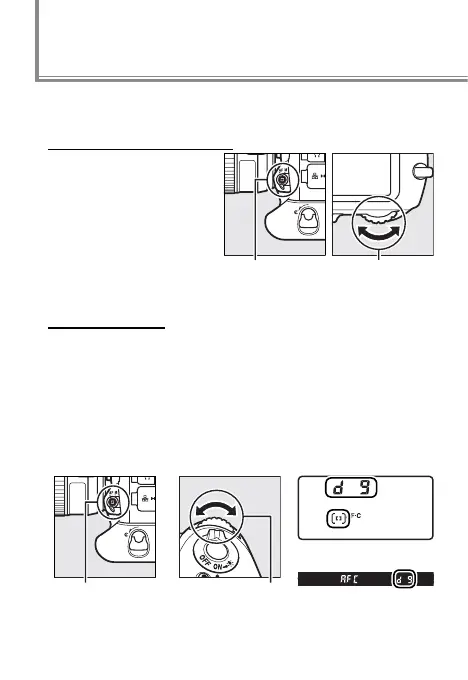
Press the AF-mode but-
ton and rotate the main
command dial to select
AF-C. Focus is adjusted
continuously while the
shutter-release button is
pressed halfway or the
B button is pressed.
Main command
dial
AF-mode
button
Dynamic-Area AF
Press the AF-mode button and rotate the sub-command
dial until dynamic-area AF is selected in the view nder
and top control panel. The focus point is selected manu-
ally prior to shooting, but if the subject brie y leaves the
selected focus point, the camera will focus based on data
from surrounding focus points (choose from 9, 21, and 51
points as described on page 38).
Top control panel
AF-mode button Sub-command dial
View nder



 To Next Page