8
AF-Area Mode
Custom Settings
For faster AF-area mode selection, you can:
• Assign specic AF-area modes to buttons
using Custom Setting f1 (Custom control
assignment, page 24): If you assign
72-point dynamic-area AF to the
Pv button and group-area AF to
the lens focus function buttons,
for example, and then select 25-point dynamic-area AF
with the AF-mode button and sub-command dial, you
can keep the Pv button pressed to take pictures with
72-point dynamic-area AF, keep a lens focus function
button pressed to take pictures with group-area AF, or
release both buttons to take pictures with 25-point dy-
namic-area AF.
• Match AF-area mode to camera orientation using Custom Setting a7
(Store by orientation, page 20): Select Focus point and AF-area
mode to link AF-area mode selection to camera orienta-
tion.
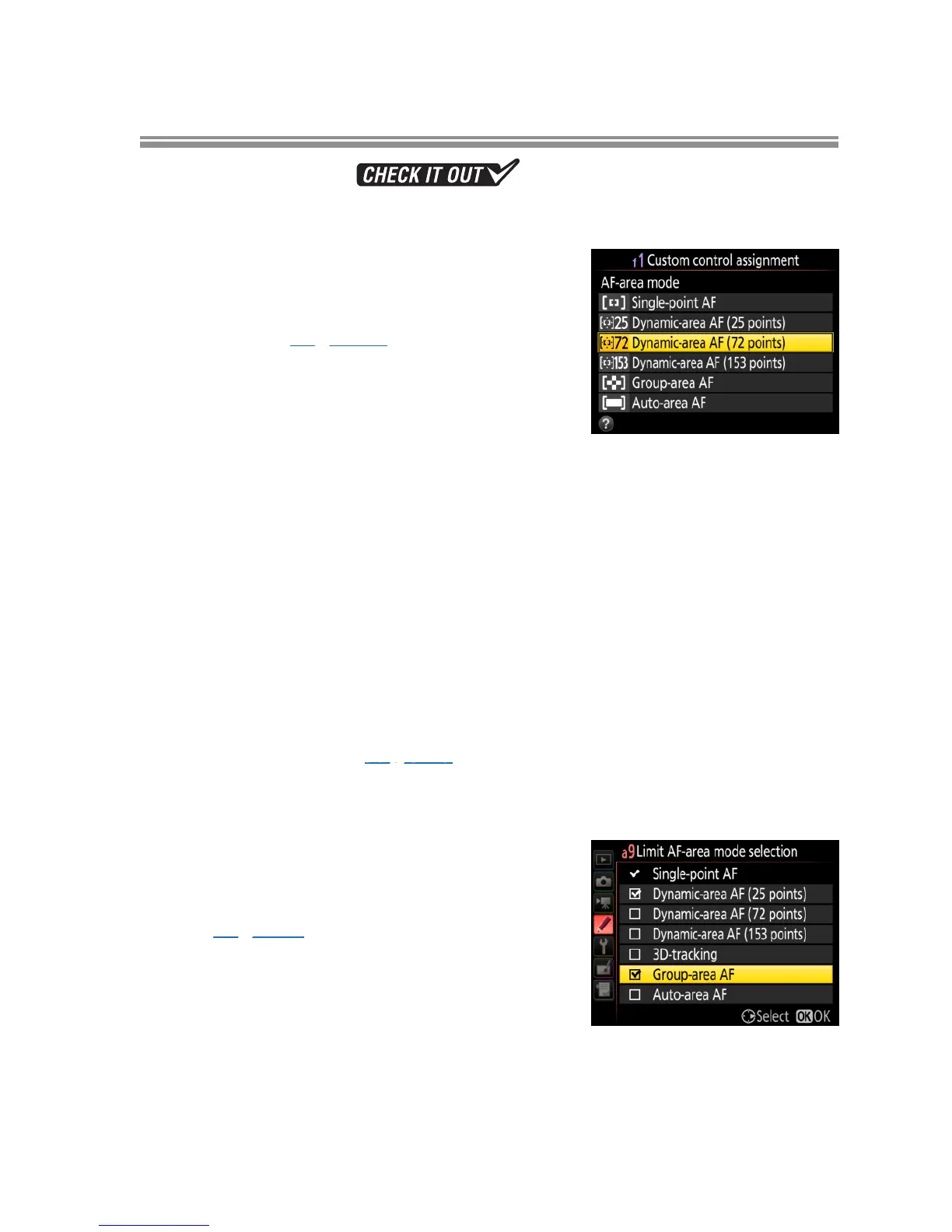
• Restrict AF-area mode selection using Cus-
tom Setting a9 (Limit AF-area mode selec-
tion, page 23).
l



 To Next Page
 Loading...











