9
Focus Points
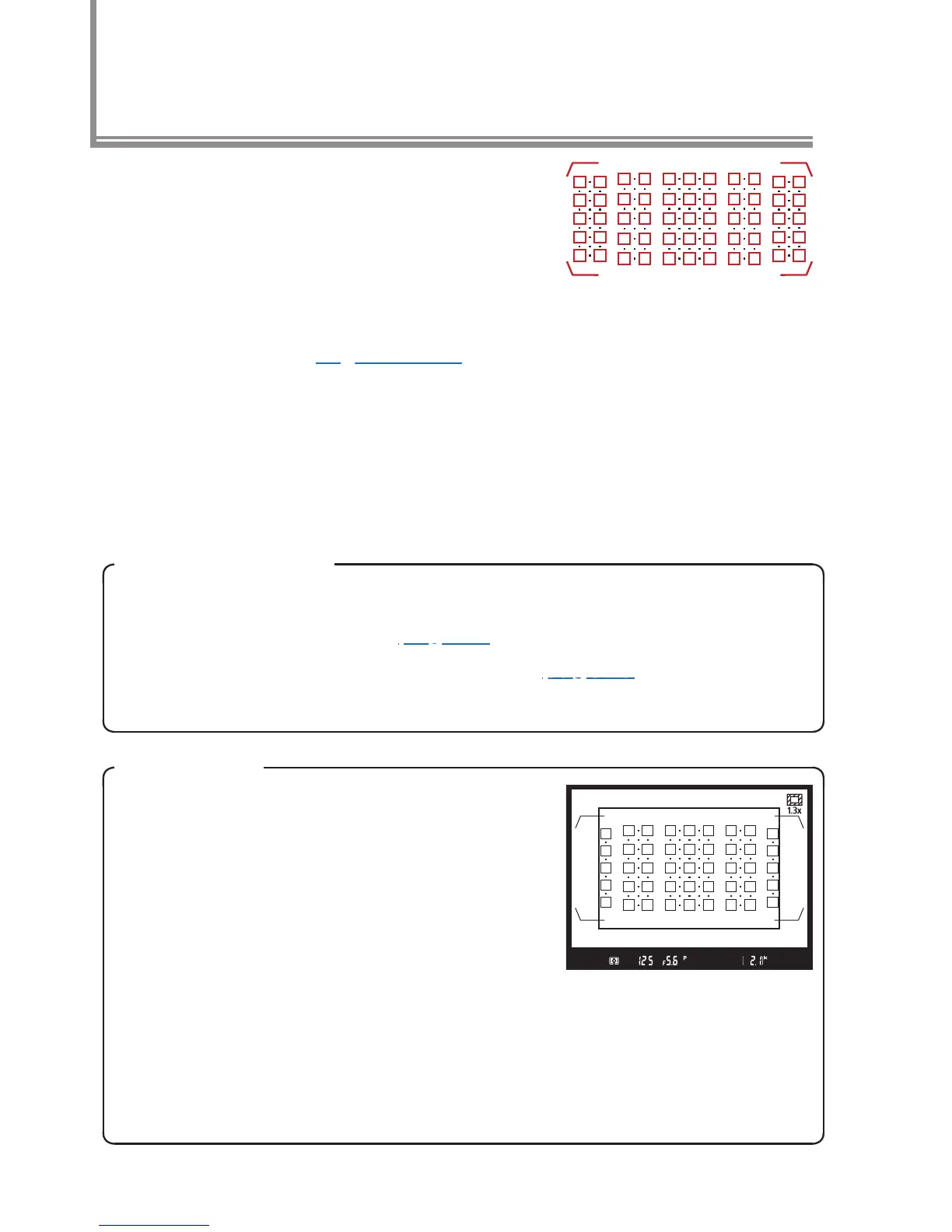
The camera focuses using 153 focus
points, of which the 55 shown in red
at right can be selected by the user.
The available cross sensors and fo-
cus points vary with the lens or tele-
converter used (pages 10–14).
Focus-Point Selection
The center focus point can be selected by pressing the center
of the multi selector. See page 20 for information on choosing
the number of focus points available, page 23 for information
on conguring focus-area selection to “wrap around”.
1.3× (18×12)
The focus points at the left and right
edges of the display are not avail-
able when 1.3× (18× 12) is selected
for Choose image area. Instead,
the camera focuses using 117 focus
points, of which 45 can be selected by
the user. If another focus point is active when 1.3× (18× 12)
is selected, focus will move to the closest available point. The
previous selection will be restored if the user chooses another
image area option without changing the focus point.



 To Next Page
 Loading...











