xx QUICK START
FORMATTING YOUR MEMORY CARD
Before you take pictures using a new memory card you should format the card in the
camera. Whenever you want to erase all the photos on the memory card you must
format it again.
Press the
button, then use the multi selector to move through the menus.
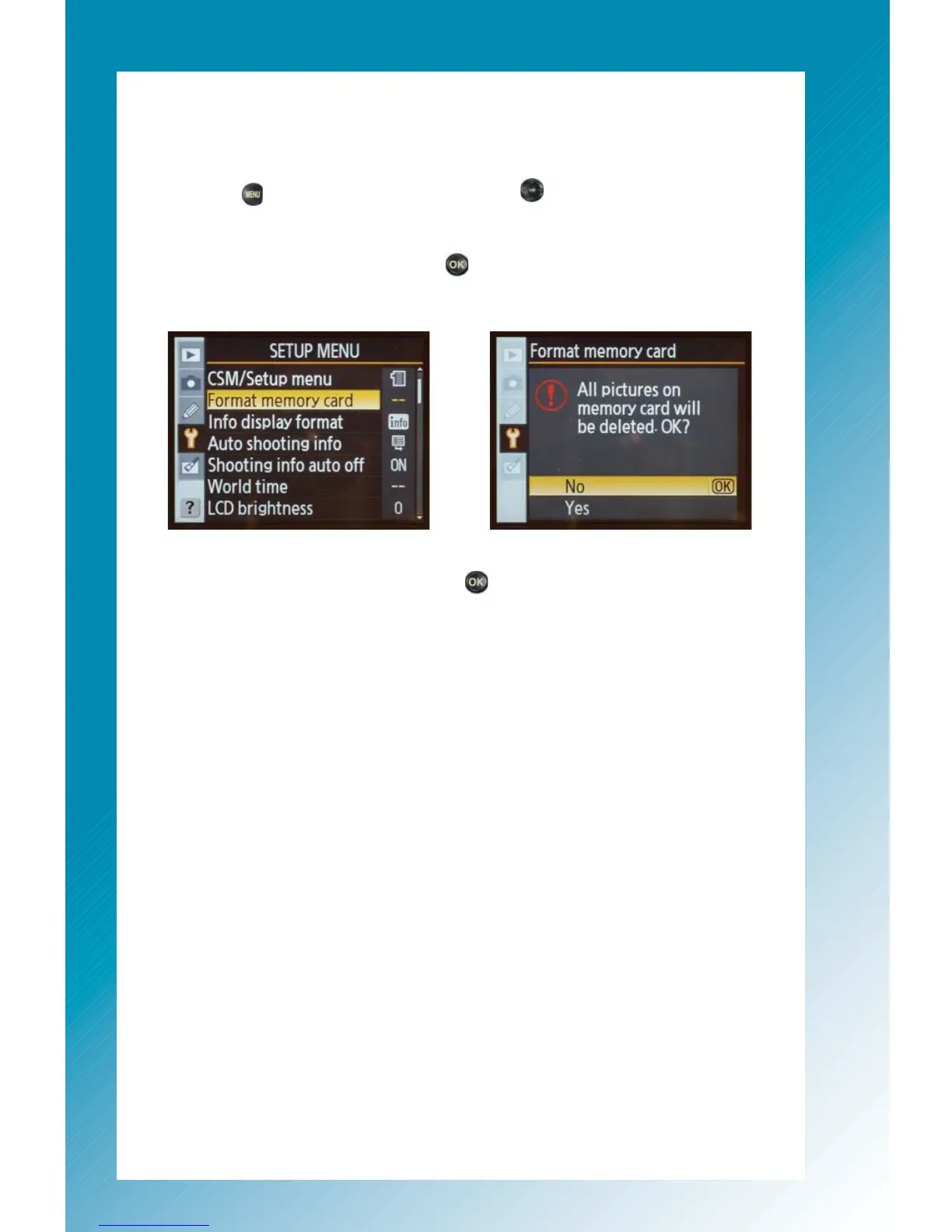
Press the multi selector left to make sure you’re in the main menu categories. Then
press down to go to the Setup Menu. Press right then down to move over to the
Format Memory Card option. Press the
button to choose it. A warning message
will appear to make sure you really want to delete all your photos.
At this point you don’t have any photos on the card so you don’t have to worry about
deleting anything. Select Yes and press the
button.



 To Next Page