eventual exposure. Finally, this
lamp also can send out a little
blast of light shortly before a flash
exposure, which can serve to close
down the pupils of your subjects’
eyes, and reduce the demon red-
eye effect.
Nikon Speedlights as well as the
Nikon SC-29 Speedlight cable
have their own less-obtrusive
focus assist lights that can take
over for the one built into the
camera.
✦ Shutter release: Canted atop the
handgrip are the shutter-release
button and power switch.
The other side of the D70 has a few more
controls, as shown in figure 1.3. These
include the following:
✦ Flash multi-button: Nikon has
kept the D70’s design clean by
assigning multiple functions to
many buttons, and this flash con-
trol is one of them. It serves three
different purposes, even though
Nikon calls it the Flash Exposure
Compensation button. Pressing the
button when the built-in electronic
flash is in its down/stowed posi-
tion causes the flash to flip up
(as shown in figure 1.4), ready for
use. Holding this button while
Chapter 1 ✦ Exploring the Nikon D70 17
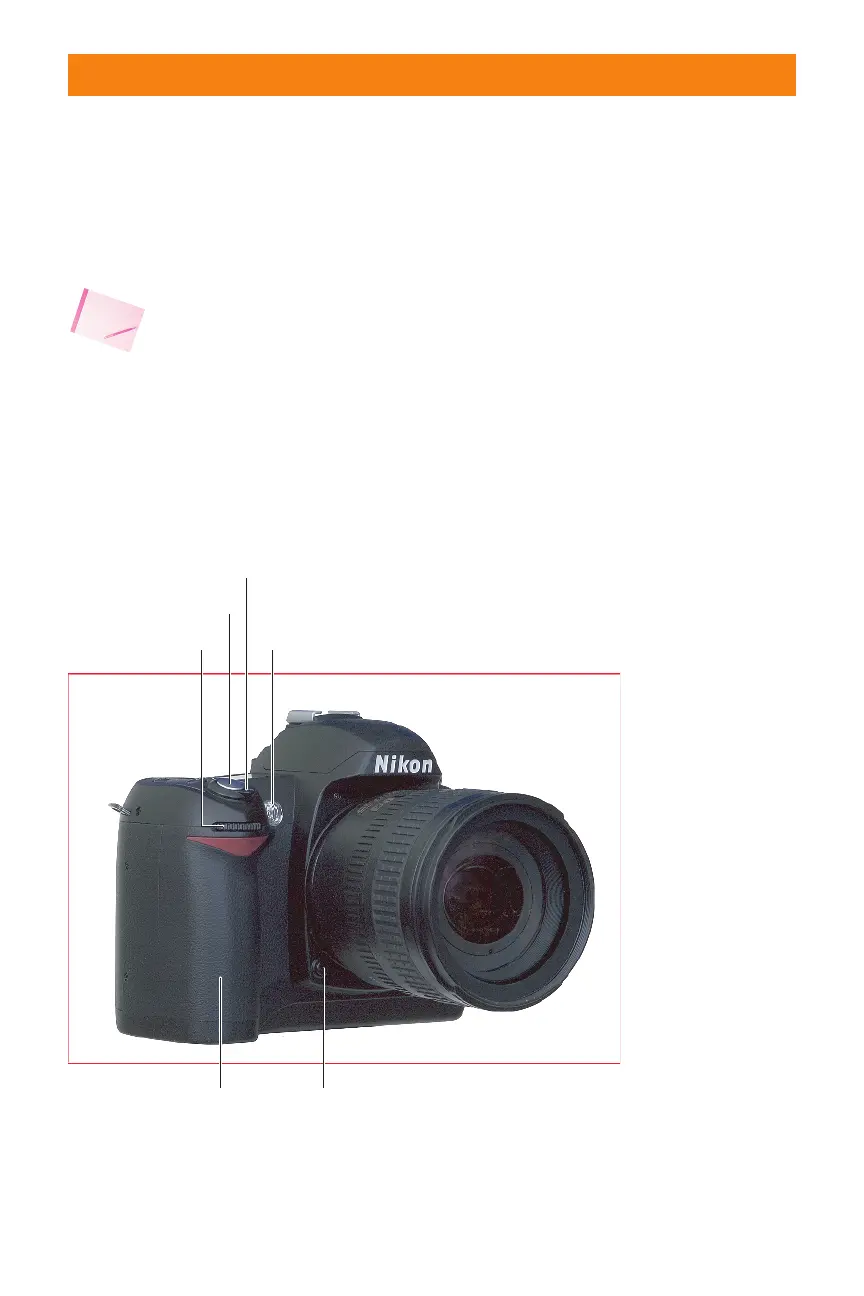
Autofocus assist lamp
Self-Timer lamp
Red-Eye reduction lamp
Hand
rip Depth of field preview
On/Off switch
Shutter release
Sub-command dial
1.2 Nikon D70 left front side, viewed from the subject’s position.
06_596780 ch01.qxd 6/16/05 7:20 PM Page 17



 To Next Page