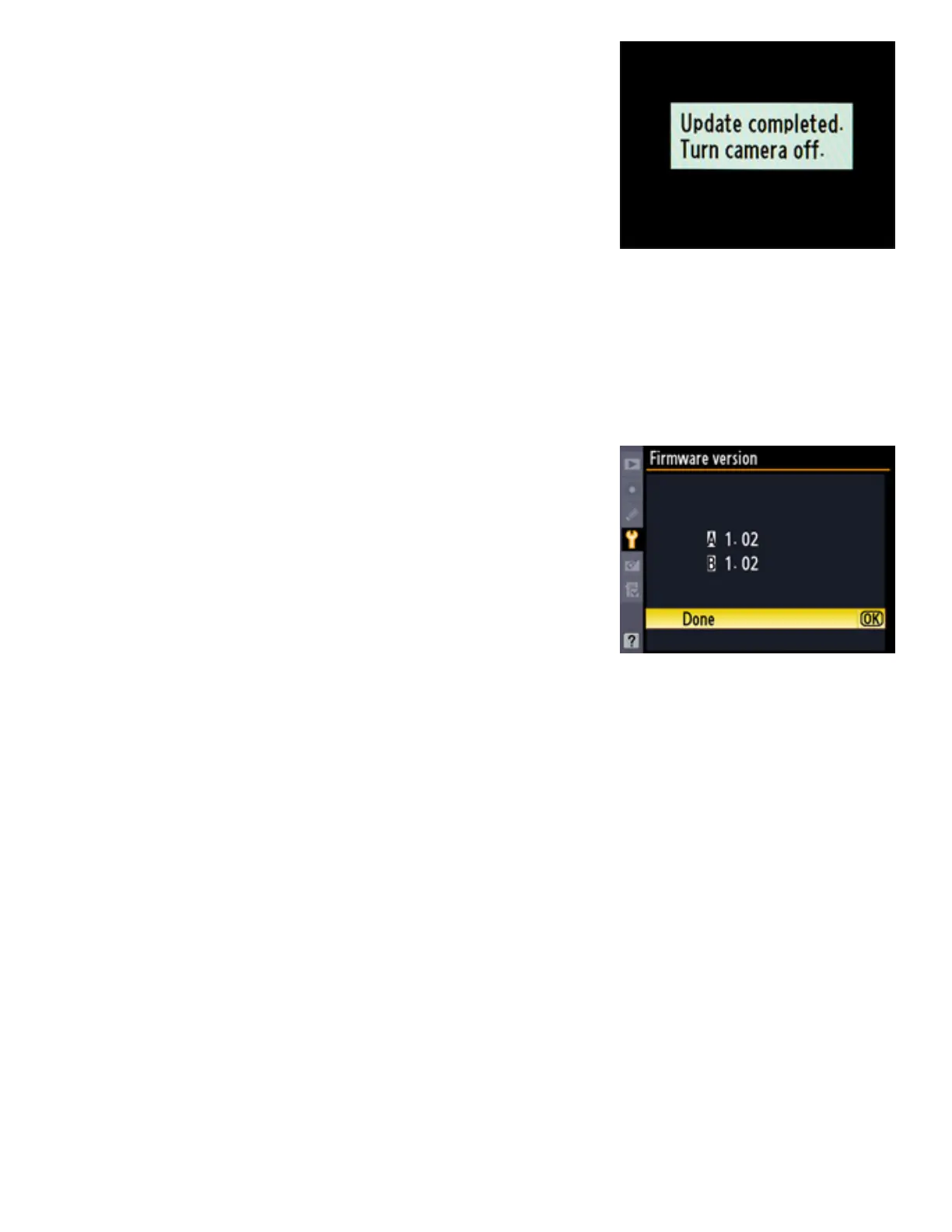
The message shown at right will be displayed
when the update is complete.
7
Confirm that the update was completed successfully.
7-1.Turn the camera off and remove the memory card.
7-2.
Check the camera firmware version as described in Step 2, “Check the
current camera firmware version.”
7-3.
If the version displayed is 1.02, the
update was successful.
8
Format the memory card.
This completes the firmware update.



 To Previous Page