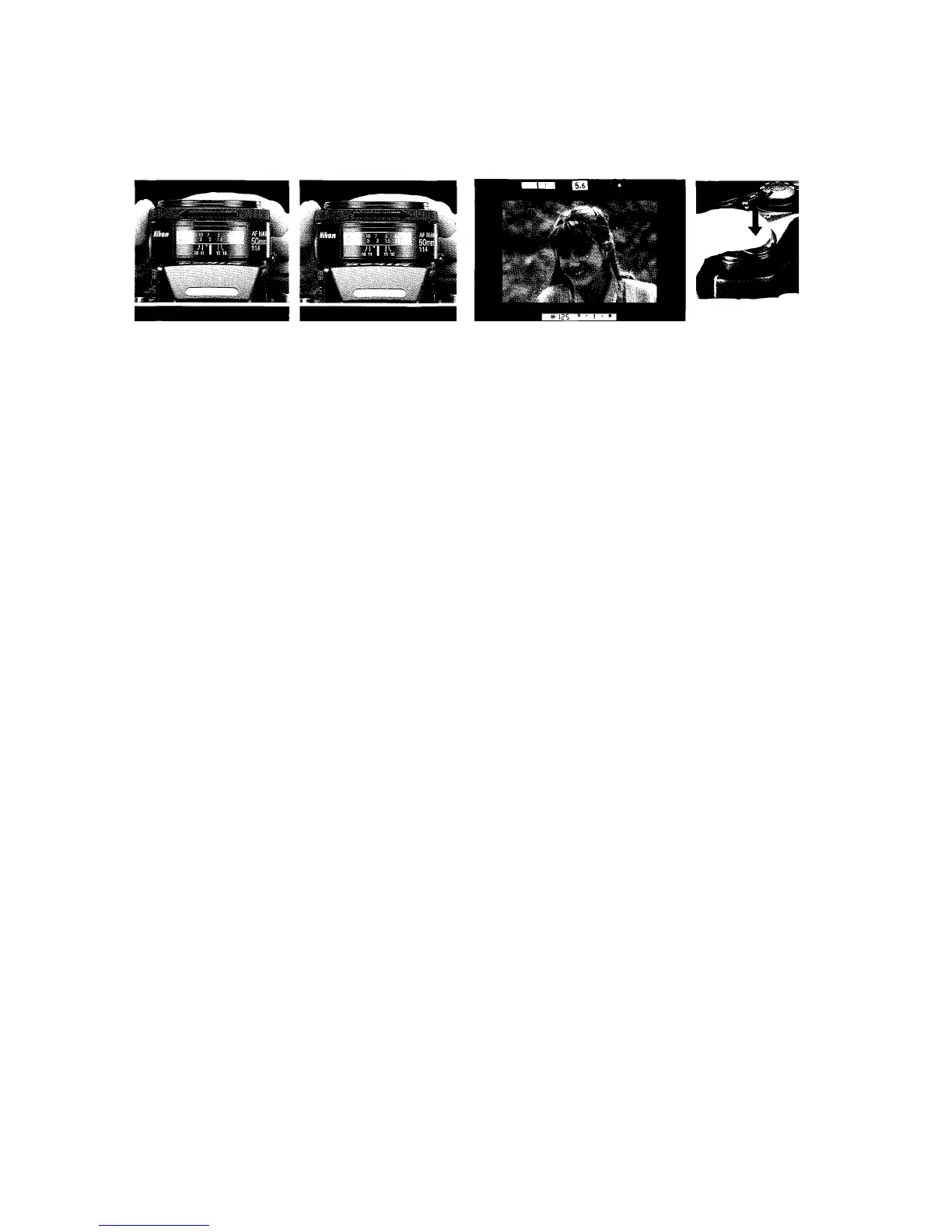
3. Keeping shutter release button lightly pressed, rotate lens
focusing ring manually and watch focus indicator LEDs
inside the viewfinder.
• If < arrow (rear focus) or > arrow (front focus) appears,
manually rotate lens focusing ring in the direction indicat-
ed until the in-focus indicator LED appears.
•If < arrow does not disappear when you turn focus ring
counterclockwise to the limit, the subject is closer than the
closest focusing distance of the lens. Move away from the
subject.
4. Confirm in-focus indicator LED appears, then fully depress
shutter release button.














 To Next Page