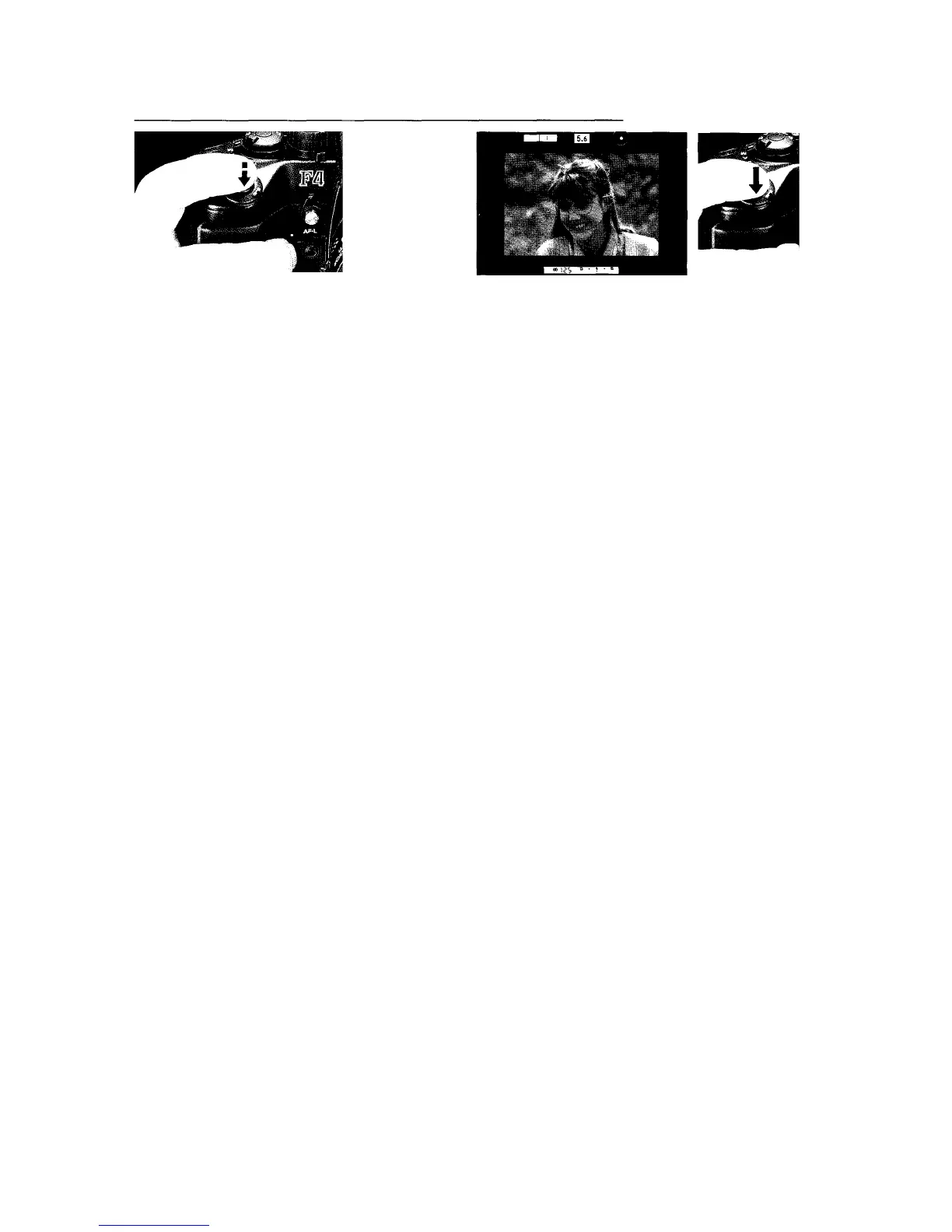
3. Lightly press shutter release button to start Autofocus
function.
•In continuous shooting (Сн, CL, Cs) with the autofocus mode
set to Single Servo, autofocus operates between exposures
for as long as the shutter release button remains depressed.
If the shooting distance changes during shooting in Cs
mode, remove your finger from the shutter release button
then press to start autofocus again.
4. Confirm the viewfinder in-focus indicator appears, then fully
depress shutter release button to take an in-focus picture.
•In Single Servo Autofocus, if in-focus indicator LED does
not appear and X appears, shutter locks.
•In Continuous Servo shooting, focusing sharpness
depends on subject speed and direction; autofocus may
not always operate fast enough to follow certain subjects,
so automatic Focus Tracking may be recommended — see
page 37.














 To Next Page