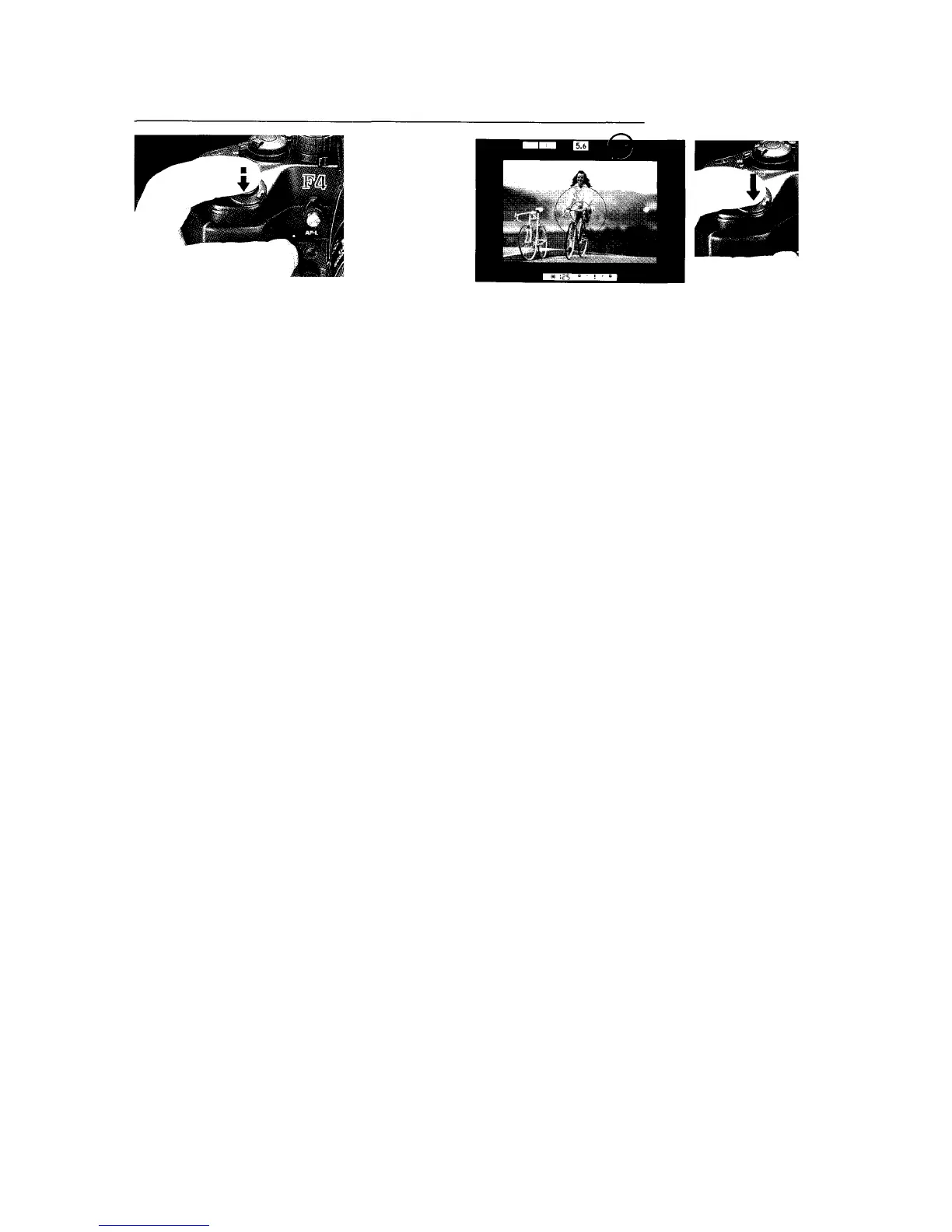
3. Lightly press shutter release button to start Focus Tracking.
4. Confirm both arrows (><) appear in the viewfinder, then
fully depress shutter release button to take an in-focus
picture.
•With Focus Tracking, even if the subject is in focus, the in-
focus indicator ( ) does not appear.
•If the subject speed becomes erratic, Focus Tracking will
be automatically deactivated and standard continuous
focusing will operate.
•Focus Tracking ability will vary according to subject's
brightness and movement, lens in use and shooting
distance.
•During Focus Tracking, the subject must remain within the
focus brackets.














 To Next Page